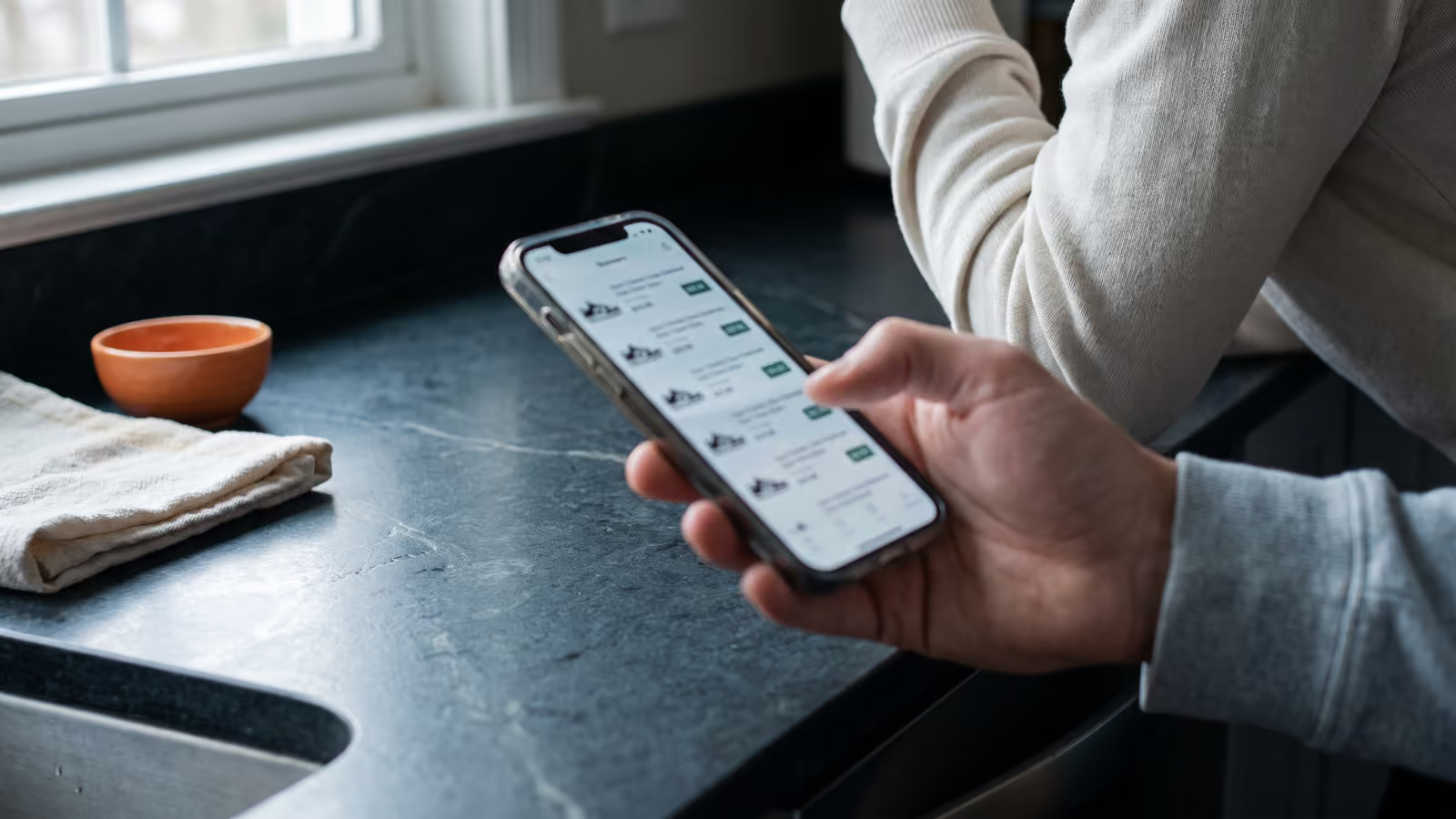

- Your own price comparison service (Comparison Shopping Service, CSS) is costly to develop and operate. A broken feed or an unreachable landing page can even lead to suspension by Google.
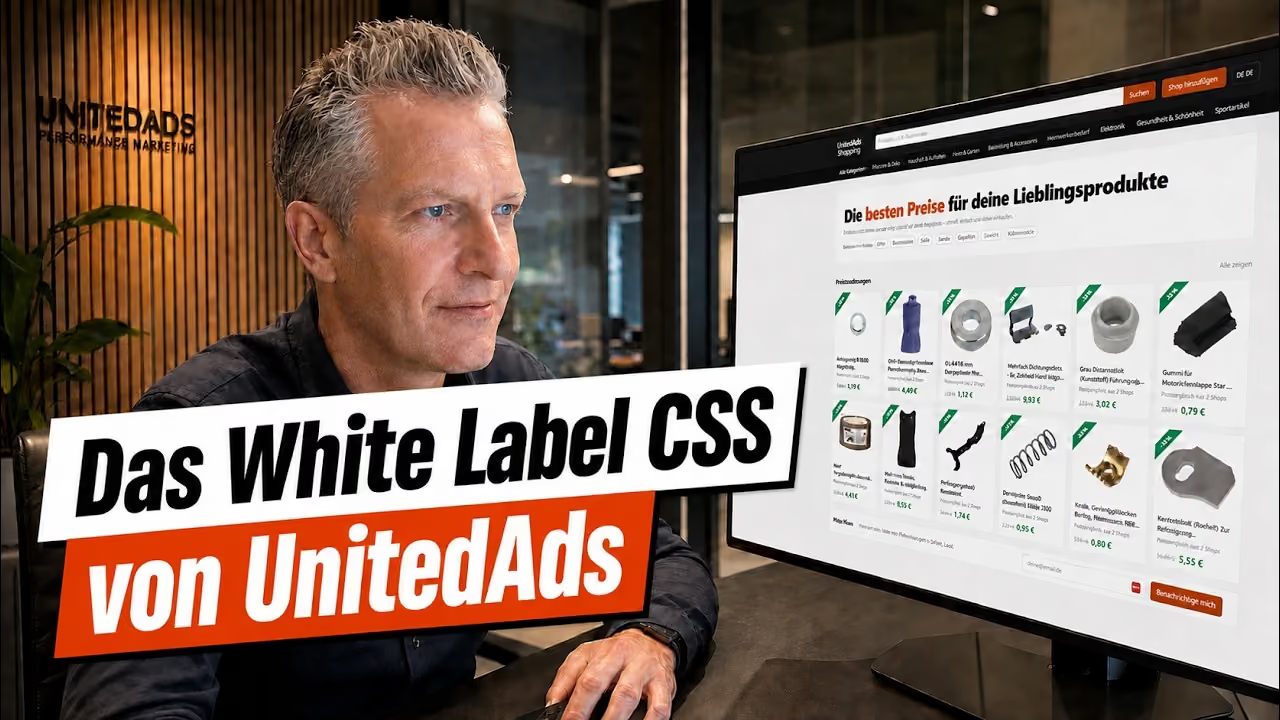
- The UnitedAds white label CSS is a ready-made platform that you operate under your brand with your own logo, colors and categories.
- Texts are automatically translated into all languages in which Google's CSS program is active, and merchant feeds are automatically assigned to the right countries.
 6:27
Price comparison services, known as Comparison Shopping Services (CSS), still offer great potential. Anyone running Shopping ads through their own CSS can improve the margin of their campaigns, and anyone who connects merchants themselves builds their own revenue model. Developing your own platform takes a lot of time, however, and ongoing operation in particular causes permanent effort. A broken feed or an unreachable landing page can lead to problems with your CSS, up to and including suspension by Google.
With the UnitedAds white label CSS, you have a ready-made solution that lets you launch your own fully functional price comparison within a few hours. In this article, we show what the platform can do, how it leads visitors to click and how you generate revenue with it. We describe how merchants generally benefit from a CSS in our article How online shops benefit from Google CSS.
Your price comparison appears entirely under your brand
The white label CSS is built so that it looks to your visitors like your own development. You adapt the design, language and countries to your business.
Logo, colors and appearance follow your brand
You integrate your own logo, define your brand colors and adapt the entire color scheme to your corporate design. Your visitors experience a consistent brand, and that builds trust.
Texts are automatically translated into all CSS countries
If you want to offer your platform in several countries, you write your texts once in a source language, for example German. The system automatically translates them into all languages in which Google's CSS program is active. This lets you open up additional countries without translation costs eating into your margin.
Merchants and feeds are assigned to the right countries
The system automatically recognizes the product feeds and assigns merchants and their feeds to the right countries. Your users therefore always see the offers that are relevant to their country.
Your visitors quickly find the right offer and click through
A price comparison is only as good as its user guidance. If visitors can't find their way quickly or see no advantage, they're gone. The white label CSS therefore includes a range of features that lead visitors to the offer and thus to the click.
Navigation follows your business model
You structure the main navigation in the way that suits your business. You decide which categories are in the foreground, or align the navigation with the strongest categories of your most important partner merchants.
In each category, the system automatically highlights the products whose price has fallen the most in percentage terms in the current week. Your users therefore land immediately on the most attractive offers without you having to maintain this selection yourself.
Category pages with filters lead quickly to the goal
On the category pages, users narrow down the offering in a targeted way:
- Subcategories for individual product groups
- Price ranges to match the budget
- Manufacturers and brands for targeted searches
- Condition to distinguish new from used items
- Merchants for preferred online shops
The results can be sorted by relevance or price in ascending and descending order.
The category price alert turns visitors into subscribers
Not every visitor buys right away. With the category price alert, visitors sign up with their email address and are automatically notified as soon as new price reductions become active in the selected category. This way, you build your own list of subscribers and regularly bring visitors back.
The product page shows everything that matters for the decision
The product page is where the user decides whether to click on an offer. The white label CSS shows there:
- Discount banners on the product image: Price reductions are visible directly on the image.
- Clear price information: Next to the best price are the original strikethrough price and the savings as an amount and as a percentage.
- Prices in other countries: Where available, users see the price of the same product in other countries.
- Merchant comparison: A list shows all merchants offering the product. With one click, the user goes directly to the shop.
- Google reviews of merchants: The system automatically imports the star ratings from the merchants' Google Business Profile.
- Total price: The system shows whether the product is in stock, calculates the shipping costs and adds them to the product price. This way, the user sees the actual final price.
- Price history: A chart shows the price development over recent weeks and months. Users can see at a glance whether the current price is below the previous level.
- Price alert for products: If the desired product is still too expensive, users sign up and are notified by email as soon as the price drops.
Your own landing pages bring you visitors from organic search
If you only ever win visitors through paid advertising, you pay for each one. The white label CSS is therefore designed for search engine optimization and generates pages that can be found in organic search.
The merchant overview strengthens your internal linking
The footer of the platform contains a structured overview of all connected merchants. Users search there for individual shops, filter by product range or display only merchants with very good Google reviews. Each merchant gets its own page with its best offers. This strengthens internal linking.
Brand pages are created automatically
For each brand imported via the product feeds, the system automatically generates its own landing page. You configure these pages flexibly, for example so that they always show the biggest price reductions of the respective brand. Because they offer current, relevant content, they can attract visitors with purchase intent in search.
Conclusion: your own price comparison is quickly ready to launch and versatile
You don't need your own development department. Within a few hours, your platform is up and running, entirely under your brand, in several countries and ready for first revenue.
Whether you want to earn additional revenue as an affiliate network, offer your own clients another service, or build a subscription model for online retailers: the UnitedAds White Label CSS gives you the platform for it. How we align Google Shopping with profit using our own comparison shopping service is shown on our page about Google CSS.