

- For Google's AI search, the SEO fundamentals remain relevant. You don't need an llms.txt file or special AI markup for it.
- What matters are accessible pages, helpful information and a clearly recognizable contribution of your own.
- Good Core Web Vitals thresholds are an LCP of up to 2.5 seconds, an INP of up to 200 milliseconds and a CLS of up to 0.1.
- Start with the pages that matter most to your business, and fix the obstacles there first.
Good search engine optimization starts with a simple question: What do your customers need to find your offer and choose it? The answer determines which content you create, which pages you improve and which technical problems you solve first.
In 2026, this also includes visibility in AI answers. For Google's AI search, the SEO fundamentals remain relevant. You don't need an llms.txt file or special AI markup for it. What matters are accessible pages, helpful information and a clearly recognizable contribution of your own. [1]
The following 100 SEO tips help you put this into practice. Start with the pages that matter most to your business. That way, you work first where better visibility and a better website can bring additional inquiries or sales.
Strategy: focus on the right search queries
1. Check where your customers search for solutions
You can improve your website more effectively when you know which offers and answers appear for important customer searches. Looking at the search results shows what you have to compete with and what information is missing from your own page.
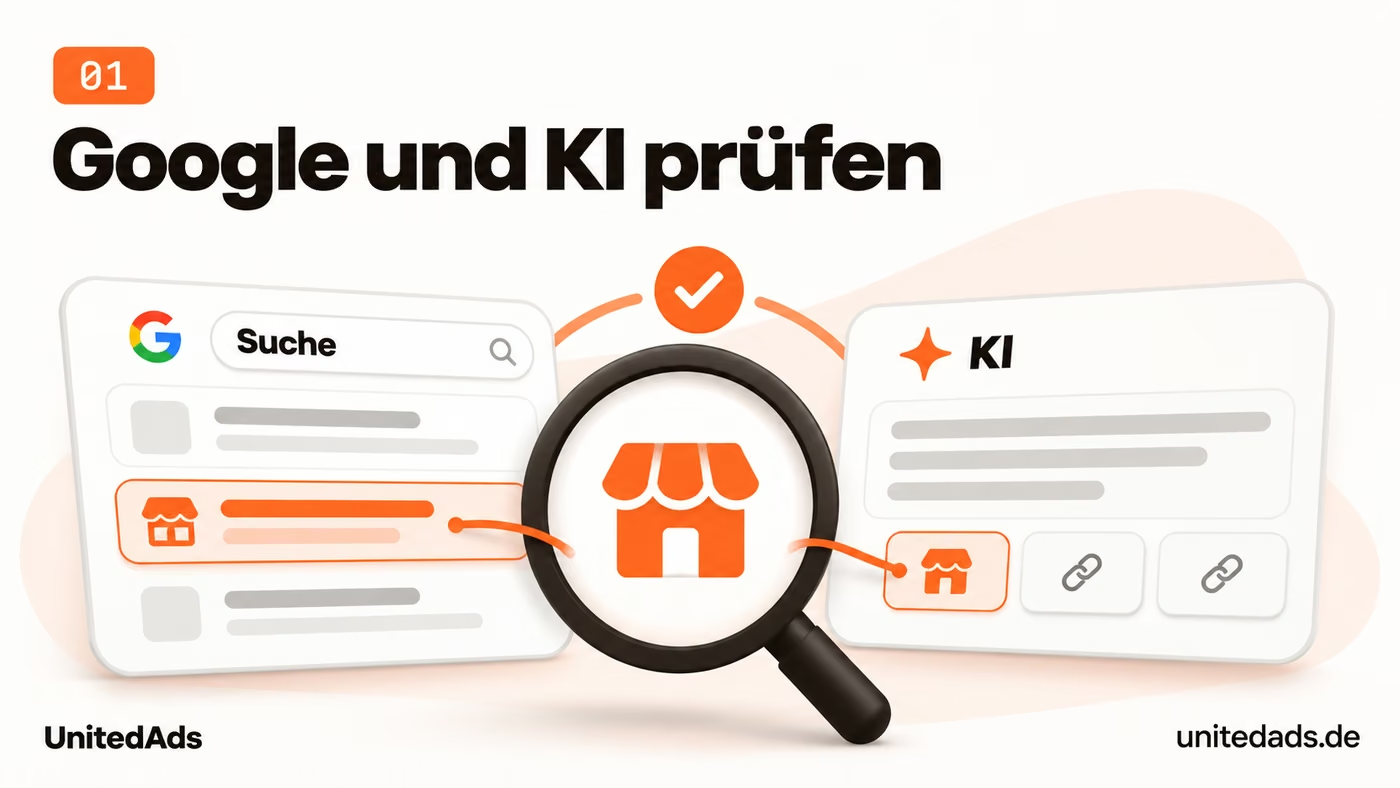
Pick a few search queries that match your most important offers. Look at which pages Google shows for them: providers, online stores, guides or comparisons? Also check which sources an AI search service cites for the same topics.
Compare these results with your own pages. If, for example, a clear service description or an answer to a common selection question is missing, add it. Use AI answers as an additional observation; a single answer does not reliably show how visible your company is overall.
2. Describe your company clearly online
Prospects should recognize the same company with the same offering on your website and in business profiles. Consistent core messages prevent misunderstandings about which services you offer today and who they are meant for.

Check your website, business profiles and the most important industry directories. Do the company name, website, services and target groups match? Remove outdated descriptions that now give a wrong picture of your company.
Write a short company description as a template for your own profiles. State what you offer, who you work for and what defines your experience. Adapt the wording to each platform while keeping the core messages the same.
3. Measure inquiries and sales from search
More search visits are only economically valuable if they lead to suitable inquiries or sales. Working performance tracking helps you focus your work on the pages that contribute to your business.

Set up tracking in your web analytics for completed orders and successfully submitted inquiries. Use a test inquiry or test order to check that the measurement works. Page views and clicks on a contact button should be analyzed separately.
Then look at which pages contribute to these results through organic search. For service providers, it also matters whether inquiries turn into suitable deals. Use existing sales data where attribution is possible; a complete link between all contacts is not a prerequisite.
4. Improve existing pages with clear potential
An existing page may already appear for relevant search queries and still leave important questions unanswered. Targeted improvements let you use this potential without having to write another article on the same topic.
In Search Console, look for important pages that appear for relevant search queries but still get few clicks. Check what makes the higher-ranking results more helpful. Are your pages missing answers, concrete examples or information about the offer?
Revise these pages in a targeted way. A guide may need better instructions, a product category a clearer buying aid. Whether you improve existing content or create new pages depends on the gap: a new offer may need its own page, even if older articles have not yet been fully revised.
5. Explain your offer concretely
Prospects need to understand what they get from you before they can send a meaningful inquiry. A specific description of your offering helps them assess services, cost range and fit for their needs.

On every service page, describe what customers get from you: which services are included, who the offer is suitable for and how the collaboration works. If there is no fixed price, explain the main pricing factors or give a realistic price range, where possible.
Take an important service page and compare it with the questions prospects ask before hiring you. Add the missing answers directly on that page. This helps visitors judge better whether your offer fits their needs and whether an inquiry is worthwhile.
6. Recognize the intent behind a search query
A page only helps searchers if it fits the task they have right now. People who want to buy need an offer they can choose from; people who want to understand a problem need an explanation. This intent determines the content and structure of your page.
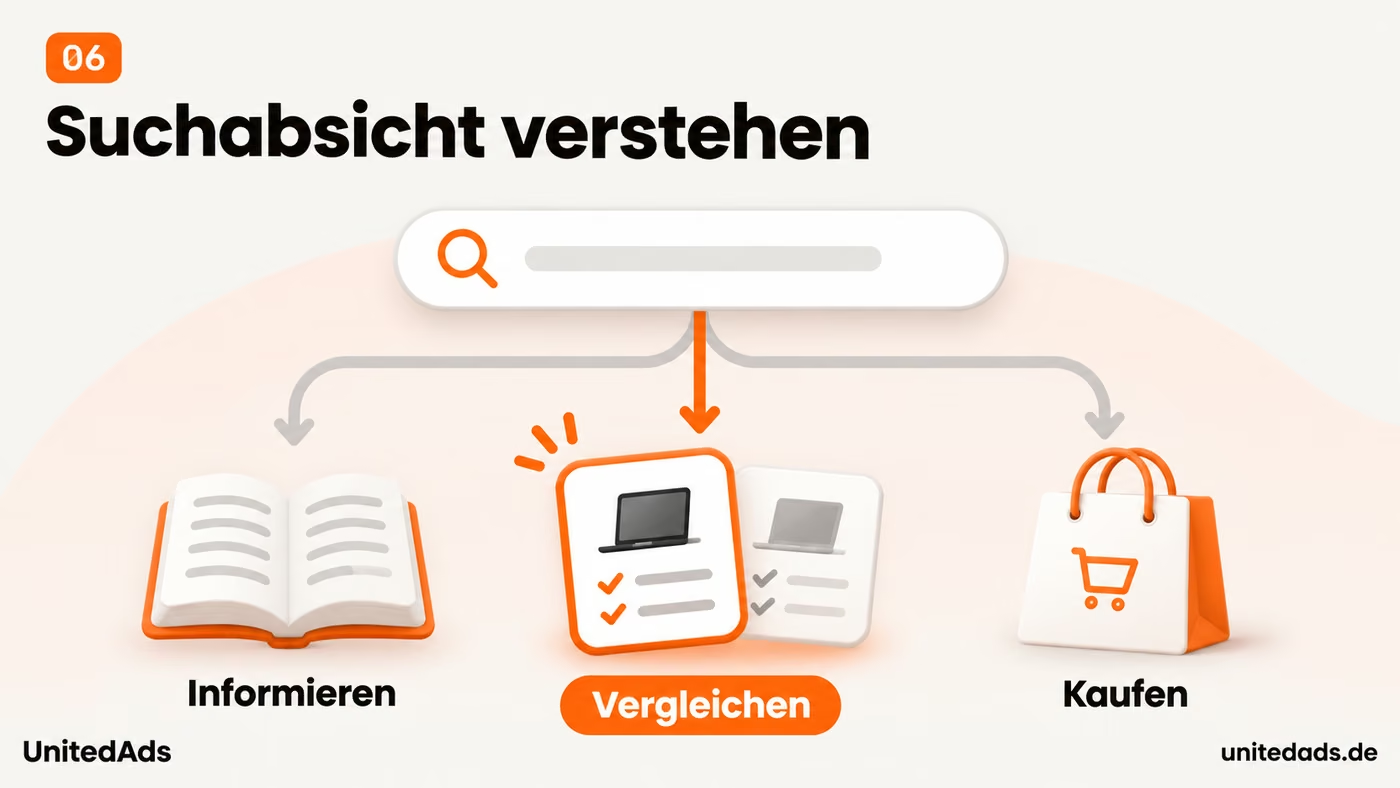
Before creating any new page, check the search results for the planned topic. Do guides, product categories, comparisons or local providers dominate? This shows what kind of answer users most likely expect for this search.
Align your page with that. People who want to compare products need differences and selection criteria. People looking for a service provider need services, experience and ways to get in touch. A long basics article does little good if someone already wants to request a quote.
7. Keep product information up to date
Wrong prices, stock levels or delivery times create expectations your shop cannot meet later. Up-to-date product information supports a reliable purchase decision and avoids unnecessary questions or disappointed customers.
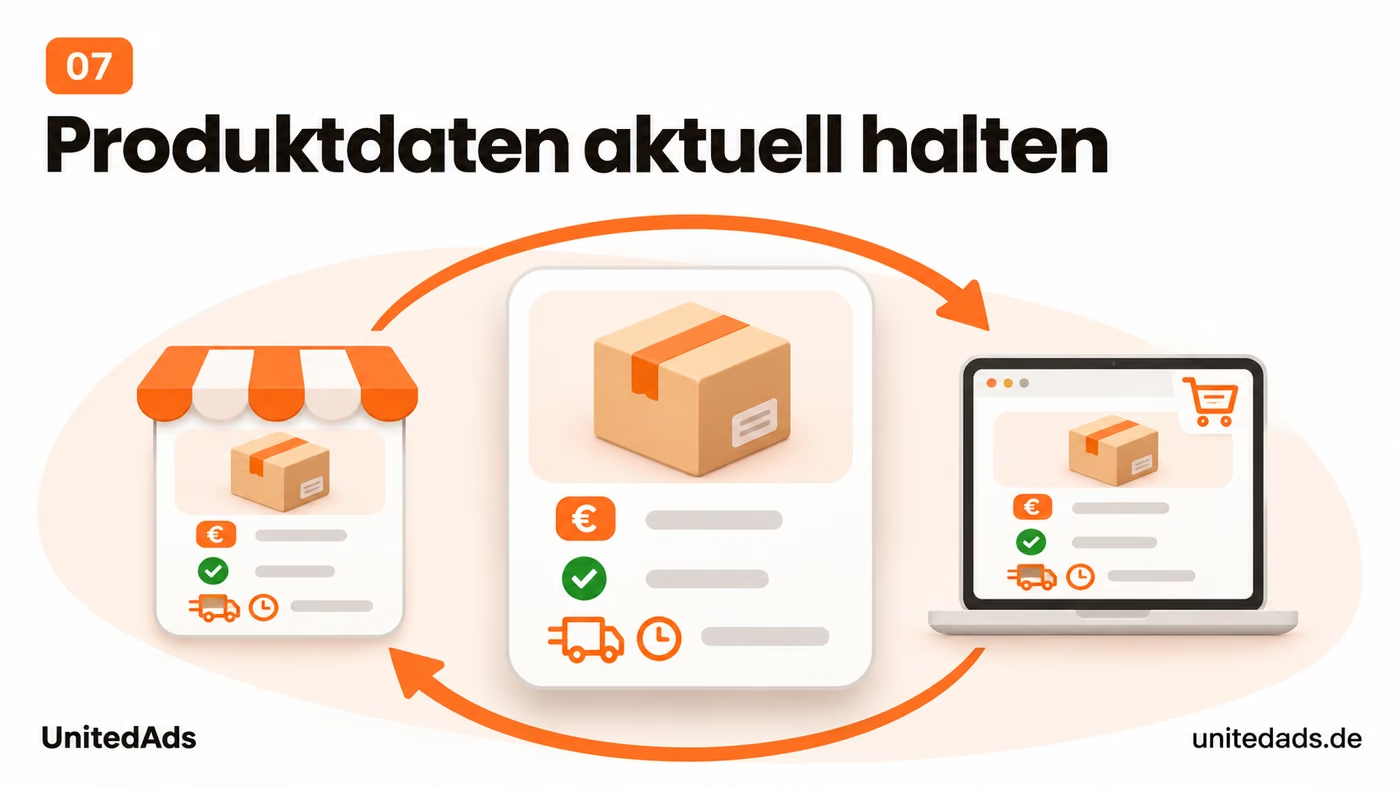
For frequently sold products and changing stock levels, check whether price, availability and delivery time are correct in your store. Also open the product page as a visitor. Make sure the information in the product selection, the description and the cart does not contradict itself.
Correct wrong values in your store system or the connected inventory management system. Avoid prices and delivery times entered manually in description texts if they would have to be updated separately. For passing product data to Google and other platforms, the data reconciliation from tip 83 is also important.
8. Link business profiles to the right page
A link from a business profile should take visitors directly to the information they expect. This saves them an extra search on your website and makes it easier to contact the right location or service area.

Check the website links in your Google Business Profile and in important industry directories. Does a current page open where visitors find the offer they are looking for? With multiple locations, the respective location page is often the most sensible destination.
Correct outdated or unsuitable links. If a platform offers its own links for appointment booking or specific services, point them directly to the corresponding section. That way, prospects don't have to search your website again after the click for the right way to contact you or book.
9. Show your experience with concrete cases
Concrete cases make your professional recommendations easier to follow. Readers see how you actually solved a problem and can better judge whether your experience fits their own situation.

Add examples from your work to important expert articles. Describe what the problem was, what you did and what result could be observed. Only include information you can prove and are allowed to publish.
Choose cases your readers recognize themselves in. For example, explain a common mistake in product selection and how to avoid it. Experience like this helps with a decision because it shows how a recommendation works in practice.
10. Choose your platforms based on your customers
Your time for posts and discussions is limited. If you focus on platforms with relevant customer questions, you can contribute helpfully on a regular basis and draw the attention of suitable prospects to your company.

Ask sales and customer service which portals, networks and communities your customers use. Then check for yourself where relevant questions are asked. Start with one or two platforms where you can contribute meaningfully on a regular basis.
Answer concrete questions there and share your own experience. Only link to your website when the link actually adds to the answer. Watch whether this leads to suitable contacts, and adjust your effort accordingly.
Content: answer questions clearly and with substance of your own
11. Write so that your customers understand you immediately
Visitors should understand what you offer and what they get from it without expert knowledge. Plain language shortens the path to the answer they are looking for and helps prospects assess whether your offering fits.

Replace abstract phrases with concrete statements. Instead of “We deliver holistic solutions,” explain which task you take on and what result the customer can expect. Explain technical terms the first time you use them.
Then read a page out loud. Shorten sentences where you stumble, and cut statements with no recognizable informational value. Have someone outside your field check whether the offer and its benefits are clear.
12. Avoid contradictory offer information
Different prices or service descriptions on your website confuse prospects. Consistent information creates a reliable basis for inquiries and saves you from having to explain outdated promises.

Look for information that appears on several pages: prices, contract terms, delivery conditions or included services. Check whether it matches. Older blog articles and promotional pages in particular often contain descriptions that no longer fit the current offer.
Correct these passages, and for detailed, frequently changing information, link to the current product or service page. Use central content blocks if your CMS supports them. That way, you don't have to change the same price or scope of services in many places individually.
13. Don't hide important information in downloads
Your web page should provide enough information for an initial selection. If the most important details are right there, visitors can assess products or services without first having to download a data sheet.

Open the data sheets and brochures for your most important products or services. Transfer the details needed for an initial selection to the corresponding web page. Depending on the offering, these include dimensions, area of use, requirements or included services.
Keep detailed data sheets available as downloads. On the web page, bring together the information needed for an initial selection, and link to the document for further details. That way, the page does its job even without an additional download.
14. Add information that other articles lack
An article needs a clear benefit for the people who read it. A question that has not been answered well so far gives you a concrete starting point for publishing something helpful and adding meaningfully to existing information.

Before writing, check the existing search results for the topic. Which question remains open? Is a clear explanation, a calculation example or a note on typical mistakes missing? Choose a gap like this as the focus of your article.
Close the gap with verifiable information or your own experience. Not every article needs a study for this. A good step-by-step guide can also offer added value if readers can use it to solve a concrete problem.
15. Answer right at the start of a section
Readers want to see quickly whether a section answers their question. A direct answer at the start makes it easier to find your way; the details that follow provide the reasoning and necessary limitations.

Phrase subheadings as the questions your readers ask. Start the following paragraph with the answer. Someone who wants to know how long a delivery takes should not have to read a general explanation of your logistics first.
Then add conditions, exceptions and an example. Check the most important sections one by one: Is the key statement understandable even without the preceding text? Replace unclear references like “this” or “in doing so” with unambiguous terms.
16. Update the content before you change the date
Outdated recommendations can lead readers to wrong decisions. Updating the content keeps your article useful and ensures that examples, figures and instructions still fit today's situation.
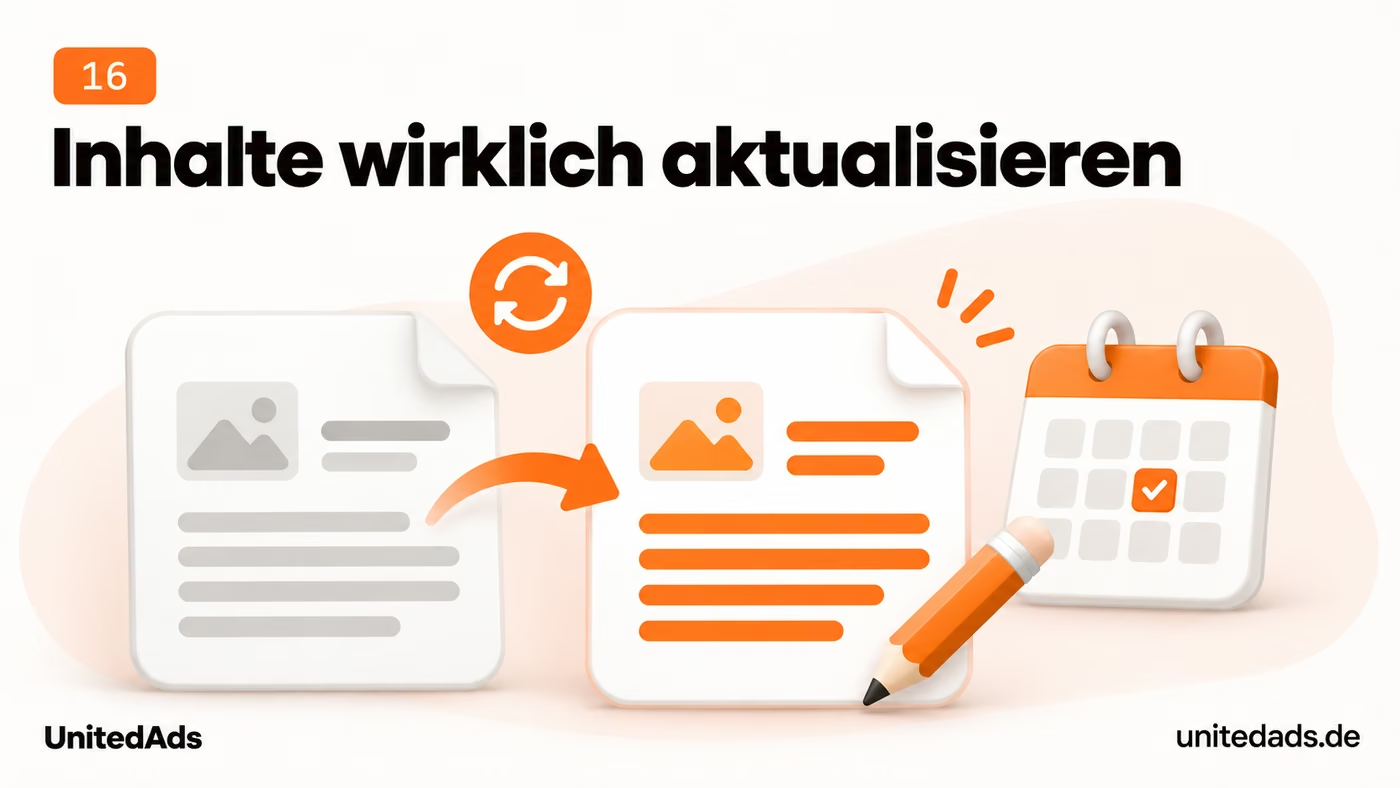
Check older articles for outdated figures, features, screenshots and recommendations. Start with pages that regularly bring visitors or inquiries. Note which statements have been checked and which content actually needs to be changed.
Revise these passages and add current examples. Change the update date only after revising the content. For extensive changes, briefly describe what is new so that returning readers can quickly find their way.
17. Use structured data deliberately
Additional product details in the search result can help prospects choose even before they visit. Suitable structured data makes information such as price and availability usable for these kinds of displays. [11]
Check which markup types supported by Google fit your pages, such as Product data for product pages. Have your shop or CMS provide the necessary information. The markup must reflect the visible content; whether it is displayed in an enhanced way remains Google's decision.
Start with an important page type and test it in the Rich Results Test. Fix errors in the shared template first. Also check that prices, ratings and other marked-up information match the visible information.
18. Make main text and links accessible to crawlers
Search engines and other retrieval systems must be able to reach your main content technically. If important text or links only appear after a user action, this information may be missing when content is retrieved automatically.

For important page types, have someone check whether the main text and internal links are already in the delivered HTML. This is especially relevant for websites that load a lot of content with JavaScript. What you see in your own browser does not by itself show what other retrieval systems receive.
If essential information is only loaded after a click, discuss with your technical team how to deliver this content directly. Tabs or expandable sections can stay. What matters is that their content is technically retrievable and does not appear only through a user action.
19. Add checklists when they make a task easier
A checklist helps readers complete a task fully. It turns a detailed explanation into a clear working aid that makes it easy to keep track of the necessary steps or documents.

For guides, check which steps or documents readers need to keep track of. For an event, this may be the necessary preparations; for a purchase, the requirements for the product. Summarize these points in a clear checklist.
Provide the checklist directly with the article. An additional download is worthwhile if readers want to fill it out or print it. For a short list, the visible content on the page is enough; you don't need an elaborate tool for it.
20. Plan content around a coherent topic
Connected content should help customers from the first overview to their specific question. Topic planning reveals gaps and prevents you from covering the same question again on several similar pages.

Collect the most important questions about an offer and map your existing pages to them. Separate basics, selection questions, concrete applications and post-purchase problems. This shows you which information is missing and where content overlaps.
Create a clear overview page and link from there to relevant in-depth pages. A separate subpage needs a distinct purpose of its own. Avoid additional articles that merely answer the same question with slightly different search terms.
21. Make quick reading easier
Many visitors skim a page before they read individual sections. A recognizable structure helps them find the relevant answer and quickly judge how much content there is.

First review an important page using only its headings and highlighted statements. Can readers tell whether the page answers their question? For longer texts, add a short introduction that states the concrete benefit.
Break up long paragraphs by idea. Use lists for steps and tables for comparisons. Only highlight the information that really helps when skimming; too much bold text takes away the text's guidance.
22. Contribute your expertise to relevant publications
Specialist publications can reach people who don't know your company yet. A helpful article makes your expertise visible outside your own website and gives prospects an additional reason to look into what you do.

Choose trade media or industry portals whose readers match your offer. Check whether you can contribute something concrete to a topic covered there, such as experience with a common problem or an expert assessment.
Pitch the editors a clearly defined question and your contribution to it. Briefly state what your experience is based on. If a publication results, it should make clear who you are and which field you specialize in.
23. Replace marketing clichés with verifiable information
General promises of quality do little to help people compare offerings. Specific details make it clear what a service offers and which conditions customers need to consider when making their decision.

Search your texts for words like “fast,” “flexible,” “leading” or “cost-effective.” For each statement, check what it means in concrete terms. “Delivery within three business days” helps with a decision more than “fast shipping.”
Add verifiable details, including the conditions that apply. If you can't give a fixed figure, explain what price or duration depends on. That way you answer a real customer question instead of just describing a good feeling.
24. Add images that explain something
Some features are faster to recognize in an image than in a long description. Explanatory photos and graphics help visitors, for example, understand sizes, connections or work steps correctly.

Use images where text alone would answer a question only awkwardly. For example, show proportions, connection options or individual work steps. A generic stock-style image deserves less priority than a photo that makes an important difference visible.
Place the image next to the related text and add a short caption if needed. Informative images get descriptive alt text, decorative images an empty one. Also state important dimensions or properties in the page text.
25. Place reviews where they answer questions
Prospects want to know how other customers have experienced your offering. Relevant reviews answer questions about use or working together and add concrete customer experiences to your own description of your services.

Choose genuine customer reviews that say something concrete about your offering. Comments on reliability, ease of use or working together are more useful than a star rating on its own. Name the source and make the connection to the offering clear.
Place relevant reviews on the matching service or product pages. Use approved quotes and keep their meaning intact. Check regularly that links to the review platform work and that the embedded information is still current.
26. Show clear subject-matter responsibility
Readers should be able to see whose knowledge a professional statement is based on. Visible authors and expert reviewers make responsibility for the content transparent and help readers assess its reliability.

For expert articles, name the author and, where it makes sense, the person who reviewed the content. Describe their relevant experience in concrete terms. A job title alone doesn't explain why someone is a reliable source on this topic.
Link to a maintained profile with their area of responsibility, qualifications and relevant publications. Have important statements reviewed by the responsible expert. Especially for topics that need explanation, it should be clear who is responsible for the quality of the content.
27. Describe your actual service or delivery area
Regional prospects need to know whether you deliver to their location or provide a service there. A clearly described service area helps with this decision and avoids inquiries from regions you don't serve.

State your service or delivery area on the relevant service page. Be specific about which towns or regions you serve. Where applicable, explain differences in travel, delivery or available services.
Use information that helps prospects make an inquiry. A service provider might name its service area, for example, and a retailer its delivery radius. You only need additional place names and general city descriptions if they have a real connection to your offering.
28. Show processes in the right format
For processes that need explaining, it often helps to see a step. A suitable video or image sequence can make the application easier to understand and answer recurring questions about individual steps.

For complicated explanations, check whether individual steps are easier to show. A short video can explain how to use a product; an image sequence can illustrate assembly or setup. Choose the format based on the task.
Start with the explanation that regularly leads to follow-up questions. Label the steps and list any prerequisites. The key information should also be available as text so visitors can use the instructions without the video.
29. Correct findable misinformation about your company
Incorrect information about your company can bring prospects to you with the wrong expectations. Correcting the sources that can be found creates a better information base for people and for search services that use these sources.

If an AI answer is wrong, first check the linked sources. If the outdated information is on your own website, correct it there. Also check older offer pages and company profiles.
For third-party sources, you can ask the operator for a correction. Publish the correct information clearly on the relevant page of your own. Don't expect every AI answer to change immediately; what you can mainly work on is the information those answers draw on.
30. Review your most-read guides first
Revisions are especially useful when they affect frequently read or business-critical content. With this order, you first keep reliable the information your visitors actually rely on.

Find out which guides regularly get visitors or support important offerings. Check these pages first for outdated recommendations, products that are no longer available and broken links. That way, your revision reaches content that people actually use.
Set further review dates based on the topic. Software tutorials need a check after major product changes, while other fundamentals rarely change. A fixed monthly review for every article would create unnecessary work.
31. Make your content findable in platform search too
People also search for instructions, experiences and products within social platforms. Clearly titled posts help them match your content to a relevant question and discover it through the platform's search.

Check the search suggestions on the social platforms your customers use. Note questions and terms that fit your offering. Use them naturally in profile descriptions, video titles and posts.
Answer one clearly recognizable question per post. For videos, add clear subtitles and a strong opening. Then review the available search and usage data to choose further topics more deliberately.
32. Explain technical terms the first time they appear
An unfamiliar technical term can make the whole section harder to understand. A short explanation in the right place helps readers follow your reasoning and see what it means for their decision.

If readers need to understand a technical term to follow your explanation, explain it right there. For a technical metric, for example, write what it measures and why it matters for the decision. Spelling out an abbreviation is often not enough on its own.
For longer explanations, link to a relevant in-depth resource. The current section should still be understandable without that detour. Pay special attention to texts based on internal documents: they often assume prior knowledge that new prospects don't have.
33. Develop topics others want to report on
Editorial teams need topics that interest their readers. An original, verifiable finding of your own gives them a specific reason to report and can draw attention to your professional work.

Consider which of your own observations are interesting for your industry. These could be anonymized analyses, a hands-on test or a well-documented trend. Before publishing, make sure the data and method actually support the claim.
Present the key finding with a clear chart and a short explanation of the method. Reach out specifically to relevant editorial teams. A clear connection to their readers makes the topic more relevant than a general company announcement.
34. Check outdated external links in your own articles
A source link is meant to make the related statement verifiable. If it leads nowhere or now points to different content, readers lose this option. Up-to-date references keep your article's chain of evidence usable.
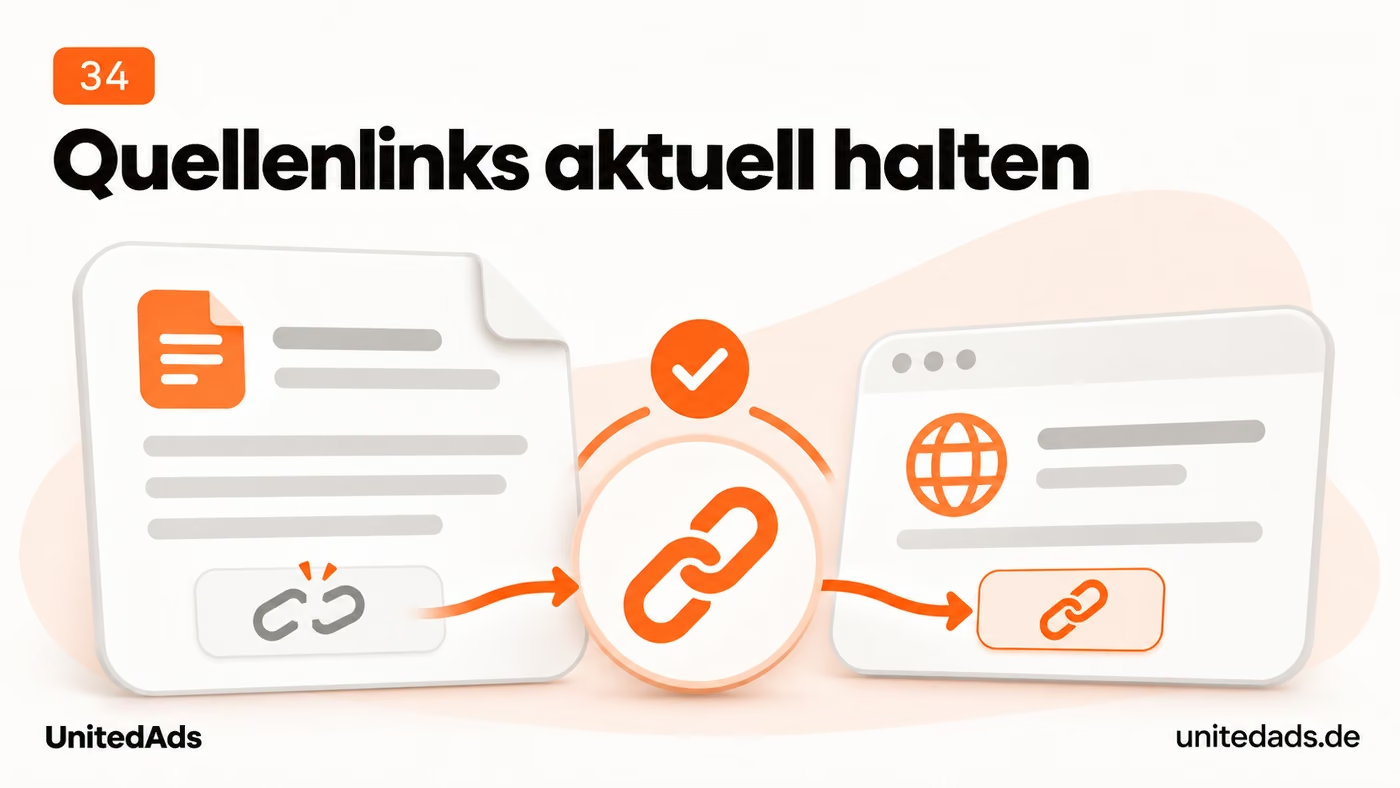
Open the linked sources in your most important guides. Is the content still available, and does it support the statement you linked it for? Even a page that is still available may now cover a different topic or contain outdated information.
Replace unusable links with current, suitable expert sources. While doing so, also check your own statement. If the facts have changed, swapping the link isn't enough.
35. Offer a calculator for recurring calculations
A calculator makes sense if it simplifies a recurring calculation in product selection or planning. It gives visitors an initial orientation for their own case, and they don't have to piece together the necessary calculation steps themselves.

Choose a calculation that regularly matters to your prospects, for example material requirements, suitable sizes or running costs. Define which inputs are needed and which transparent assumptions the result is based on.
Start with a manageable task and show inputs, result and assumptions clearly. Have the calculation reviewed by an expert. If a few table values answer the same question, a table is the simpler solution.
Technology and site structure: make important pages findable
36. Check whether important pages can be indexed
An important page must be indexable to have a chance of appearing as a regular search result. Checking this helps you spot technical exclusions before you invest more time in its content.
Enter an important URL into the URL Inspection tool in Search Console. Check whether the page is indexed and what issues Google reports. A page that loads fine can still be excluded from the intended display, for example by an accidental noindex or a wrong canonical.
Have the specific cause fixed, then check other pages of the same type. If the error affects a shared template, the template needs to be corrected. Requesting indexing again after the fix makes sense; it doesn't replace the technical fix and doesn't guarantee inclusion.
37. Keep URLs that work
Stable URLs keep existing links, bookmarks and references usable. If a change is necessary, a suitable redirect should ensure that visitors and search engines still arrive at the right content.
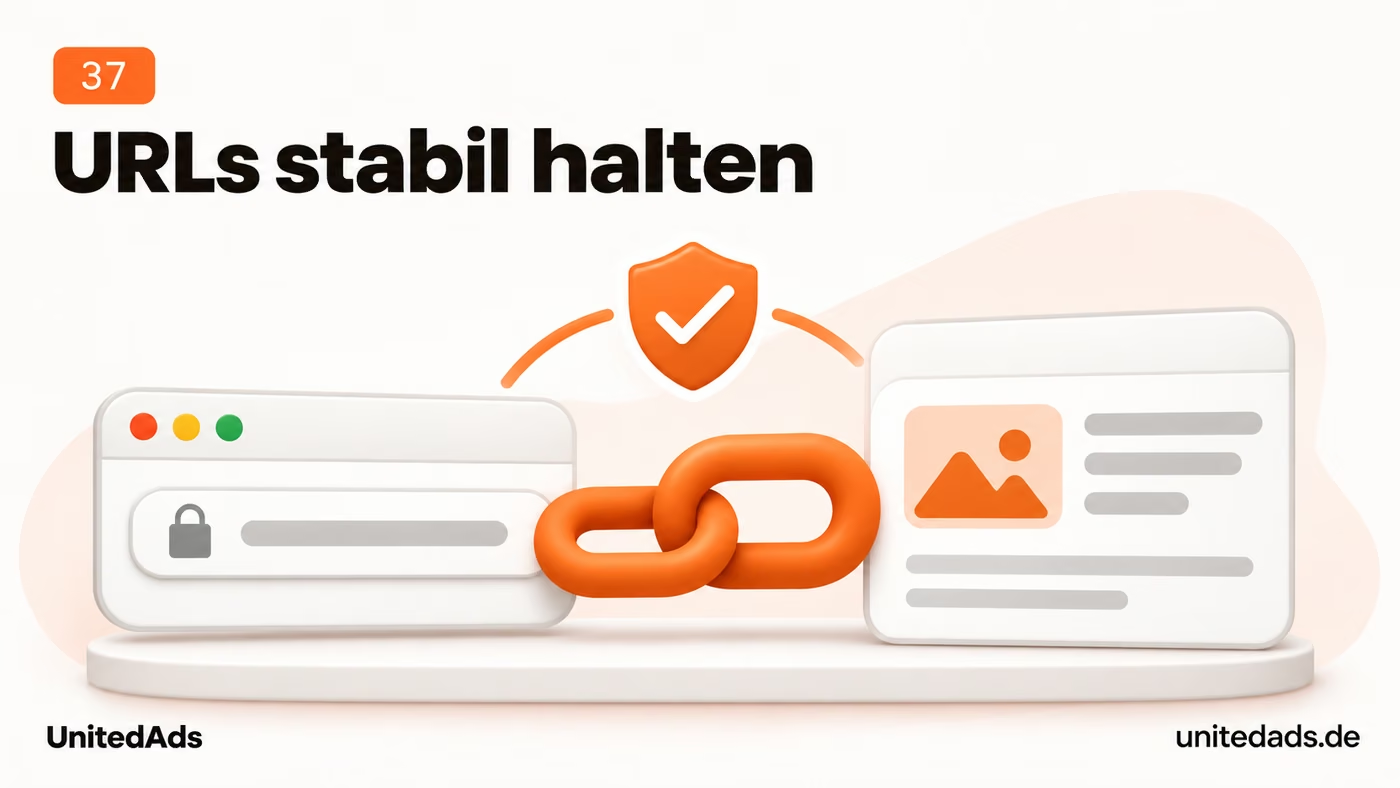
Only change existing URLs for a concrete reason. A new design or a different heading doesn't automatically require a new address. Keep URLs stable in particular if they get visitors, external links or regular inquiries.
If a change is necessary, map each old URL to a new destination that matches its content. Set up a permanent redirect and update internal links and the sitemap. Test the mapping before launch.
38. Add a table of contents to long pages
A table of contents saves readers from scrolling at length through extensive guides. With jump links, they go directly to the section that answers their current question.

Place a table of contents with links to the main sections at the top of longer guides. Use clear labels so readers can quickly spot the answer they need. Don't list every minor subheading.
Test the jump links on a smartphone. A sticky header shouldn't cover the target heading. Keep existing section anchors where possible so links that have already been shared still lead to the right place.
39. Check which content Google sees after rendering
A page that is technically accessible does not always contain all the information when it is fetched automatically. Checking the rendered version shows whether Google also has the important text, products and links after processing.
If your website loads text or products with JavaScript, check an affected page with the live test in the URL Inspection tool. Look at the rendered HTML and the available screenshot. Compare the important content with what visitors see.
If main text, product links or further list items are missing, pass these specific examples on to your technical team. Have them check whether script errors, blocked resources or content that loads only after a user action are the cause. Check the same examples again after the fix.
40. Add a readable text version to videos
A text version makes video content accessible without sound and without watching the whole video. Visitors can read individual statements and find the part that matters to them more quickly.

Also provide the key information from a video as text. For explainer videos, this can be a reviewed transcript; for product videos, a structured summary. That way, visitors can take in the content without sound.
Correct automatically generated transcripts before publishing. Pay special attention to technical terms, numbers and product names. For longer videos, add subheadings or timestamps so readers can quickly jump to the relevant section.
41. Help visitors move on from your 404 page
Even after opening an address that no longer exists, a visitor can still find the right offering. A helpful error page provides a clear way back into the website.
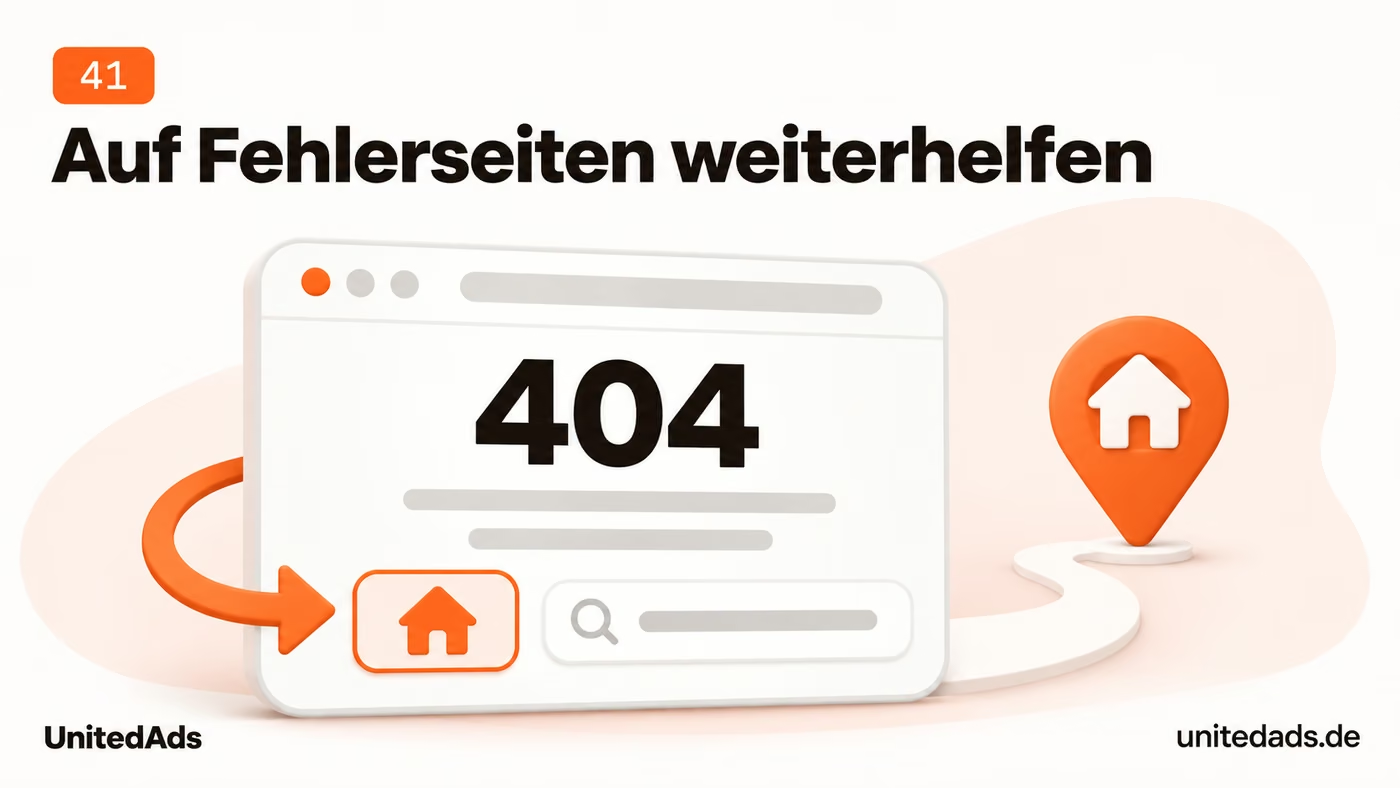
Create an error page that clearly explains that the requested address isn't available. Offer a search and links to important sections. An error message on its own leaves visitors searching for the next step for no reason.
Have someone check technically that the error page actually returns the HTTP status code 404. Then design it in the style of your website. The helpful design must not cause a missing page to be reported as a regular, available page.
42. Test usability with a keyboard and assistive technologies
People should also be able to use your website with a keyboard or assistive technologies. Easily accessible menus and understandable forms allow more visitors to use information and complete an inquiry or order.
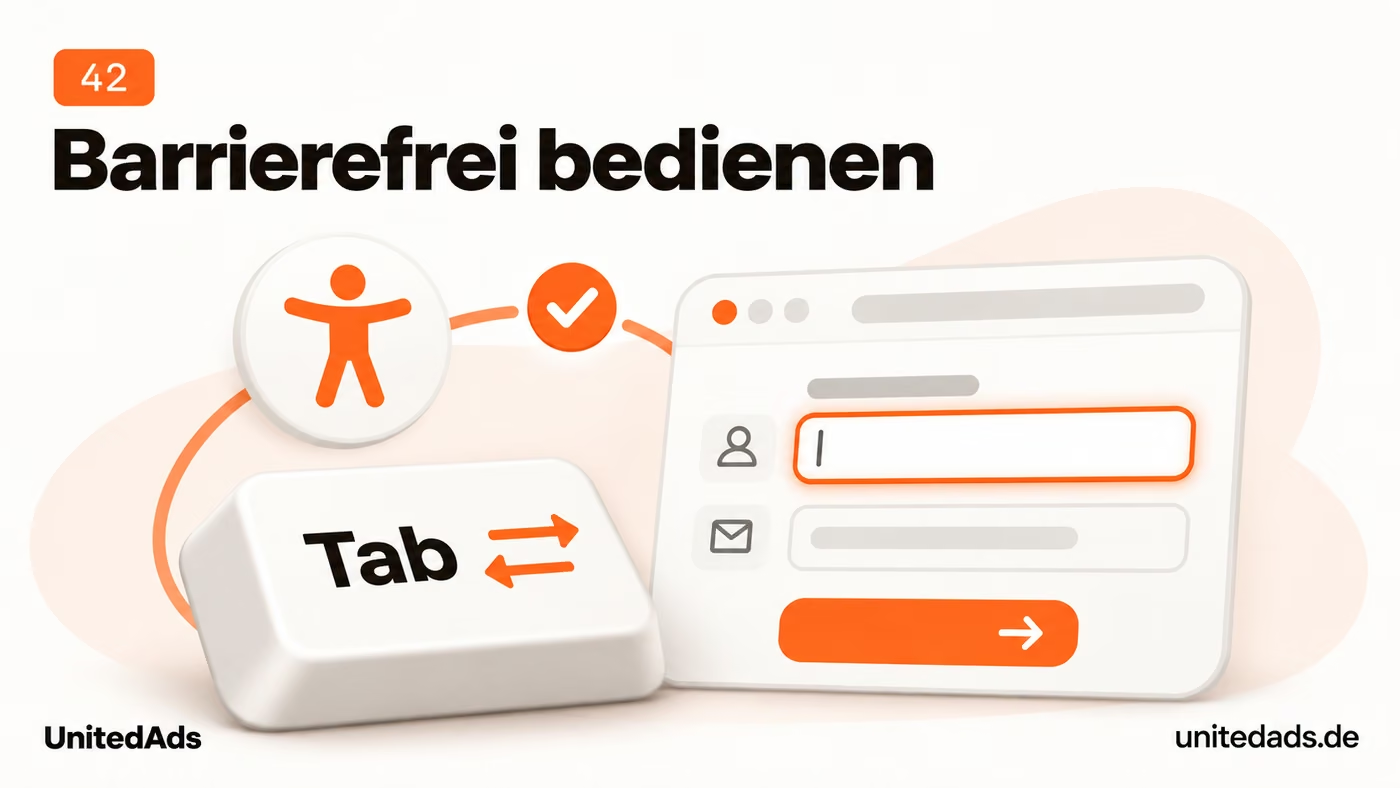
Try using your most important pages with the keyboard only. Can you reach the menu, links and forms, and can you tell which element is currently selected? Also check labels, contrast and clear error messages.
Add automated checks as well, for example with Lighthouse, and have problem areas reworked specifically. A good automated score doesn't replace a usability test. Start with the paths customers use to inquire, book or order.
43. Show visitors where they are on the website
Visitors often land directly on a subpage and don't know the structure of your website yet. Breadcrumb navigation shows how the page fits in and offers a short path to the parent category.

On large websites, add breadcrumb navigation. It shows, for example, the path from the home page through a category to the product. Use short, clear labels and link to the parent sections.
Check whether the displayed hierarchy matches the actual site structure. Especially for products in several categories, the navigation should stay easy to follow. Avoid long, randomly grown paths that don't help visitors find their way.
44. Check canonical tags for conflicting signals
If the same content is available under several addresses, search engines need clear signals about the preferred version. Consistent canonical tags and internal links help make this assignment clear.
A canonical tag tells search engines the preferred URL for identical or very similar pages. It is a signal; Google may choose a different URL. So for important pages, check both the canonical you set and the one Google selected. [3]
Make sure the target is available and indexable and matches the content of the original page. Link internally to the same preferred version. Different products or articles shouldn't all point to a shared category as their canonical.
45. Include only suitable URLs in the sitemap
A sitemap is meant to point search engines to the pages you want to see in search. A cleaned-up list avoids contradictory signals from error pages, redirects and URLs you have deliberately excluded.
Check your XML sitemap for redirects, error pages and URLs you deliberately excluded. It should contain the preferred, indexable pages. Submit the sitemap in Search Console and check any reported processing errors.
Only use lastmod for verifiable changes to the content of the page in question. Don't have all date values refreshed with every page view or daily export. Google recommends specifying the actual date of the last significant update. [9]
46. Distinguish between search access and model training for AI bots
You should be able to decide deliberately whether your content can be accessed for AI search and whether you want to allow access for model training. Separate bot rules help you implement these different decisions technically.

Check your robots.txt and your firewall rules. Based on the documented bot functions, decide which access you want to allow. OpenAI, for example, distinguishes between OAI-SearchBot for search and GPTBot for potential model training. [10]
Have existing blocks reviewed before you change them. Then use server logs to check whether the bots you want are reaching the important pages. Allowing access makes crawling possible but doesn't guarantee a mention in an answer.
47. Improve slow server responses
If the server responds late, visitors are already waiting for the page to start loading. Shorter response times improve this starting point and help especially with pages that require complex database queries.

Check important pages with PageSpeed Insights and, if available, your host's monitoring. If even the first server response takes a long time, look into hosting, database queries and caching. Smaller image files alone won't solve this problem.
Have the slowest page types worked on first and compare the results before and after the change. Use caching that suits the content. Current shopping carts, personal account areas and changing stock levels must not serve outdated information.
48. Monitor your website's availability
During an outage, prospects can neither read your offers nor order or send an inquiry through the website. Uptime monitoring makes disruptions visible promptly so they can be fixed in a targeted way.
Set up external uptime monitoring for your most important pages. Get notified about outages and decide who responds. Besides the home page, also check an important offer or checkout path.
Review recurring outages with your hosting provider. Clarify their cause and the options for fixing them. A cheap plan saves little if prospects regularly run into error messages or can't complete orders.
49. Redirect straight to the final destination
Each additional redirect step is another request on the way to the target page. Direct redirects shorten this path and make it easier to maintain old addresses.

Check important redirects for unnecessary intermediate steps. After several relaunches, one old address may have turned into a chain of consecutive redirects. Where possible, have old URLs point directly to the current, matching destination.
Also update internal links so they lead straight to the final page. Pay special attention to navigation, templates and frequently used content links. The redirect stays in place for old external links but is no longer needed internally.
50. Improve responsiveness to clicks and input
After a click, visitors should quickly see that their input is being processed. A fast response makes menus, filters and forms easier to use and prevents unnecessary waiting for important actions.
Interaction to Next Paint, or INP, measures how responsive a page is. A good value is 200 milliseconds or less. Check in Search Console and PageSpeed Insights which groups of pages stand out here. [2]
On these pages, test menus, filters, the shopping cart and forms. Have long script execution and unnecessary third-party scripts investigated. First fix problems that occur in frequently used features and noticeably delay interaction.
51. Remove unused plugins and scripts
Plugins you no longer need can bring additional scripts and technical dependencies. By removing such legacy items, you cut unnecessary clutter and make your website easier to maintain.

Have your technical support check which plugins and external scripts are still needed. Start with old testing tools, chat modules no longer in use and duplicate embeds. Remove components whose job no longer exists.
Create a backup first or use a test environment. After removing anything, check the affected features as well as forms and orders. This makes the website leaner without accidentally breaking a feature you still need.
52. Link to important pages so they are easy to reach
Important offers must be easy to find within your website. Clear navigation and direct internal links lead visitors there and give search engines paths to these pages.

Check how visitors get from the home page, the main navigation and key overview pages to your most important offers. Pages with high business value should not be findable only through a search or an old blog post.
Add suitable links from the sections where visitors expect the offer. Label them clearly. Don't overload the main menu; often a clearly structured overview page with links to the individual services is enough.
53. Keep user-generated areas free of spam
Public comment and discussion areas should contain helpful contributions. Spam makes it harder for readers to find relevant information and can fill your website with unwanted content or links.

Check comments, forums and other publicly visible input areas. Remove off-topic posts and review suspicious external links. Decide who approves new posts or reviews them afterward.
Use filters, limits and suitable protection against automated submissions where needed. Test whether real users can still post without problems. A protection mechanism that blocks legitimate inquiries creates a new problem elsewhere.
54. Plan SEO checks before a relaunch
A relaunch should improve the website and preserve important existing entry points. An early SEO review helps you take valuable content, working URLs and indexability into account during the migration.

Before a relaunch, clarify which URLs, content and page titles should be kept. Compare the planned new website with the pages that currently bring in important search visits or inquiries. Set up suitable redirects for changed addresses.
At launch, check whether the new website can be indexed and whether important content, links and redirects work. Remove any blocks from the development phase. Afterward, check in Search Console whether new errors appear or important pages lose significant visibility.
55. Map language and country versions correctly
Searchers should find the right language or regional version of your page whenever possible. Correct hreflang annotations help Google match the related variants and recognize the intended audiences. [4]

Use hreflang when corresponding pages exist in several language or regional versions. Check for valid language codes, correct target URLs and references to the page's own version and to the respective alternatives. Pages that belong together must confirm each other.
Pay particular attention to how individual products and services are mapped. A German product page should point to the corresponding English product page. Align canonicals and hreflang so the signals don't contradict each other.
56. Use your customers' terms
Customers often describe their needs differently than your company does internally. If your pages pick up these phrases in an understandable way, prospects more easily recognize that your offer fits their question.
Collect wording from search queries, sales conversations and support requests. Check whether your pages use the same terms. Internal product names or technical terms are often harder to understand than the language customers use to describe their problem.
Add important customer terms where they fit the content. Explain how technical terms relate to everyday language. Don't put a list of similar words into the text if it adds no information.
57. Keep location details up to date in the most important places
Customers rely on your address, phone number and opening hours when they plan a visit or get in touch. Up-to-date location data avoids unsuccessful calls, unnecessary trips and uncertainty about how to reach your company.

Check your business name, address, phone number and opening hours on your website and in important location profiles. Start with your Google Business Profile. Pay particular attention to moves, changed phone numbers and special opening hours.
Name one person responsible for these details. Add a short list of the profiles to update whenever something changes. This keeps customers from arriving at a closed door or calling an old phone number.
58. Answer recurring objections on your website
Recurring questions often show which information is missing before a decision. If you clarify these points on the offer page, prospects can assess your offering better and send more targeted inquiries.

Read customer reviews and look at frequent follow-up questions. Do the same uncertainties keep coming up, for example about extra costs, what is included or whether a product is suitable? Check whether your offer pages explain these points clearly.
Add the answer right next to the offer in question. If what is included is often misunderstood, a clear list often helps more than another general FAQ section. Problems with the offer itself also need to be resolved within the company.
59. Link related content deliberately
A single article doesn't answer every follow-up question. Meaningful internal links lead readers to the right in-depth content and make the connections between your content and offers clear.
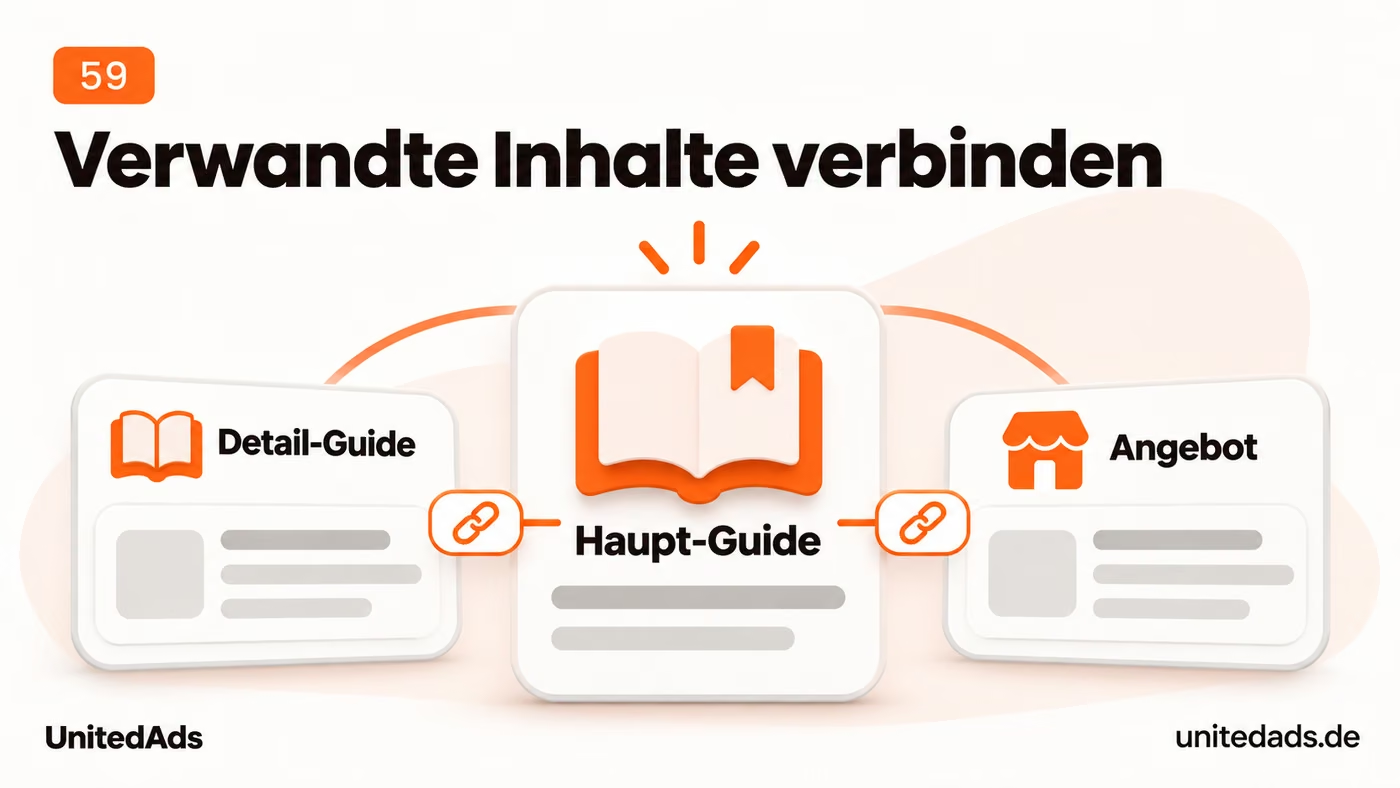
For every important article, check which further pages readers need next. Link to suitable guides, comparisons or offers. Place the link where the additional information is helpful.
Use descriptive link text such as “Delivery times for custom orders” instead of “click here”. Also check links from older to newer content. This makes new pages part of your existing website instead of isolated publications.
60. Test your website on a weak mobile connection
Your website should deliver important content and functions as quickly as possible, even with a weak signal. Lean mobile delivery makes it easier for visitors to get started when only little bandwidth is available.
Open important pages on a smartphone and also simulate a slower connection. Watch when text, navigation and key features become usable. Large videos and images can delay this unnecessarily.
Serve media sized for the screen and load content further down the page on demand. Important hero images should appear in time. After each change, test whether the page remains understandable and usable even under poor conditions.
Content and offers: improve the path to an inquiry
61. Say clearly what visitors can do next
Interested visitors need a clear next step. A clearly labeled call to action shows how they can request a quote, book an appointment or continue a purchase.

Set one primary action for each offer page. “Request a quote”, “Check availability” or “Book a consultation” describes the next step more precisely than “Learn more”. The label should match the actual action.
Place the call to action where visitors have enough information for that step. For inquiries, briefly explain what happens next. Then check whether the entire path works on a smartphone without obstacles.
62. Answer real questions before the inquiry
Before an inquiry, practical questions about costs, requirements or the process often remain open. Good answers remove this uncertainty and help prospects decide whether getting in touch is worthwhile for their needs.

Collect recurring questions from sales and customer service. Add the answers to the matching offer page. Information on costs, terms, requirements, what is included or the process after an inquiry is often missing.
Answer each question in as much detail as necessary and as briefly as possible. Avoid questions that only serve as a pretext for advertising claims. If the answer includes a condition, state it directly and link to further details where needed.
63. Check existing partnerships for useful links
Existing partner and member directories can lead people to your company. A correct listing with a helpful link makes an actual business relationship traceable and makes it easier to reach your offering.

Look at the websites of associations, manufacturers and partners you actually work with. Do they have a member, dealer or partner directory your company belongs in? Check whether your listing exists and is correct.
If details are missing or outdated, ask for a factual addition. A good link target is the page that explains your role in the partnership. Focus on real relationships and helpful references; being listed in random link directories does little for your customers.
64. Make the differences between your offers clear
Customers should be able to see which of your options fits their requirements. Clearly presented differences make the choice easier and save them from piecing services together from several long descriptions.

If you offer several packages, variants or service tiers, show their most important differences at a glance. State the included services, requirements and what each one is for. Visitors should not have to compare several long pages to piece this information together.
Use a short comparison table or clearly structured offer blocks. Explain which variant suits whom. From there, link to the details and the matching way to inquire or order.
65. Match similar search queries to the right pages
Searchers should land on the page that best answers their current question. A clear division of roles between guides and offer pages helps keep information and bookable services clearly separated from each other.
For important search queries, check in Search Console which of your pages appear. Several relevant results are not automatically a problem. Action is needed, for example, when an outdated article shows up even though a current offer page explains the service better.
Then clarify each page's job. A guide explains a question; the offer page describes the service that can be booked. Adjust headings, content and internal linking accordingly. Only merge pages if they really serve the same purpose.
66. Turn category pages into buying guides
A category page should make suitable products findable within a larger selection. Clear filters, sensible subcategories and short buying guides support this step before a customer looks at individual products more closely.

For important categories, check whether visitors can quickly narrow down suitable products. Clear subcategories, useful filters and visible differences help. A long text above the products can make this unnecessarily difficult.
Add a short orientation and more detailed selection help in the right place. For example, answer which variant suits which use. Check whether the recommendations match the products actually available.
67. Improve search results with many impressions and few clicks
If your page already appears often in search results, a clearer presentation can bring additional relevant clicks. To do this, the title and description must make the information sought or the offering recognizable.
Open the Performance report in Search Console and look for relevant queries with many impressions. For the corresponding page, also check position and click-through rate. Then compare the actual search result with the other offers shown.
If your result remains unclear, sharpen the title and description: What is offered, for whom and with what concrete benefit? A low click-through rate can also be due to position or additional elements in the search results. So don't change every title with a low click-through rate across the board.
68. Link numbers and expert claims to their sources
Readers should be able to follow important figures and expert claims. Suitable sources and understandable context help them put the statement into perspective and judge whether it applies to their own case.

For statistics, study results and expert claims, check where the information comes from. Link to the original source whenever possible. For numbers, give the context, such as the time period, the group studied and important limitations.
Remove or correct details whose origin you can no longer trace. For your own analyses, briefly explain the method. This lets readers check the claim and see whether the number is meaningful for their own situation.
69. Fact-check AI drafts before publishing
An AI draft that reads convincingly can still contain wrong or useless statements. The expert review should ensure that you only publish information that fits your offering and helps with the specific question.

Use AI where needed for outlines, wording suggestions or first drafts. Give it concrete details about the offer, target audience and question. Don't let it add features, references or results that you cannot prove yourself.
Then check the text sentence by sentence: Is the statement correct, is it understandable and does it help with the question at hand? Add your own experience and cut generic repetition. Even fluently written text can be wrong or useless in practice.
70. Promote good content through existing channels
A new article does not automatically reach the people it could help. Through your existing communication channels, you can promote relevant content in a targeted way and answer recurring customer questions with a suitable link.

When you publish a helpful guide, share it through the channels your company already uses. That can be your newsletter, a professional network or a post on your business profile. Each time, pick up one concrete question the article answers.
Link directly to the relevant content. The article can also be useful in customer conversations or as an answer to a recurring question. You don't need to turn every publication into several new formats or a separate campaign.
71. Write headings that explain the section
Headings should show readers which answer they will find in the following section. A logical order makes the page structure easy to understand and makes it easier to read longer content selectively.

Read your page using only the headings. Do they form a logical sequence? Replace vague headings like “Our solution” with a label that shows the concrete content of the section.
Use one clear main heading and arrange subtopics logically below it. Choose heading levels based on the structure of the content. Font size and design can be set independently.
72. Use the data you already have from your internal search
Search terms from your internal site search show what visitors still want to find after arriving on your website. This existing data can reveal missing labels, unsuitable search results or gaps in your offering.

If your shop or website has a search function with analytics, review the most common search terms and searches with no results. See whether visitors are searching for existing products under a different name or whether offers are actually missing.
For existing products, add suitable synonyms or improve how results are matched. If information is missing, provide it where people expect it. A small website doesn't need a new search function for this tip; use the data if you already have it.
73. Decide on weak pages based on their value
A page can fulfill an important purpose even with few search visits. Before you delete or merge content, you should therefore know its actual value and keep helpful pages.

Make a list of pages with little organic visibility. Before making changes, also check sales, inquiries, external links and other jobs the page does. Few search visits alone are not a good enough reason to delete a page.
Revise helpful content, merge real overlaps and remove pages that no longer serve a purpose. Only redirect if there is a suitable replacement. Otherwise, a regular 404 or 410 response can be the right solution.
74. Make the provider and contact options easy to find
Prospects should quickly see who is behind an offer and how they can get their questions answered. Easy-to-find provider and contact details make this check easier and enable the right contact.

Check whether visitors can quickly see which company is behind the website and how to reach it. Link to contact, legal notice and privacy policy where people expect them. Check whether these pages are also easy to read on mobile.
On offer pages, add the contact option that fits the task at hand. A specific contact person can help with services that require a lot of consulting. Keep phone numbers, email addresses and responsibilities up to date.
75. Explain your offer on the home page right away
New visitors must quickly understand on the home page what your company offers and for whom. This orientation helps them choose a suitable service area and continue their visit in a meaningful way.

Show at the top what your company offers and which customers it works for. Add a concrete reason to take a closer look at your offer. General statements about innovation or passion are no substitute for this orientation.
Then link to your most important services and the relevant proof. Test the home page with someone who doesn't know your company yet. Afterward, ask what they understood and where they would click next.
76. Write titles that clearly name the offer
In search results, the page title is often the first clue to your offering. A specific name helps searchers see whether the page answers their question and is worth a visit.

Give every important page a title that describes its content concretely. “Rent mobile trade show booths | Provider name” says more than “Your solution for the perfect appearance”. Add the location, variant or use case if these details are relevant to search.
Write a meta description that sums up the offer and a credible reason to visit. Only include claims the page delivers on. Check the actual search result; Google may display the title and description differently.
77. Consider Google Discover as an additional channel
Discover can show editorial content to people who are interested in a topic without actively searching for it. For suitable publishers, this is an additional distribution channel alongside classic search queries.
If you publish editorial content, check whether it is suitable for Discover. Google recommends descriptive titles and large images at least 1,200 pixels wide; large previews must be enabled. This does not guarantee that your content will appear. [7]
Choose topics your audience cares about even without a specific search. Avoid exaggerated headlines and check how your content looks on mobile. Treat Discover as an additional channel whose reach can fluctuate.
78. Find out which questions higher-ranking pages answer
Higher-ranking results can show which answers your own page doesn't provide yet. A targeted content comparison helps you find useful additions and check whether your page type is the right fit.

Search for an important topic where your page has had little visibility so far. Open a few of the well-ranking results and compare their content with yours. Look at the questions they answer, the guidance they offer for choosing, and concrete examples.
Add the information your own readers are missing. Do not copy text, and do not expand the article just to make it longer. If Google mostly shows a different type of page, first check whether your page matches the search intent at all.
79. Handle URL variants with a clear rule
Sort options and parameters can create numerous addresses for identical or similar content. Clear rules should keep the preferred versions recognizable and prevent technical variants from being handled arbitrarily.

Check whether the same content is available at several addresses, for example through sorting or tracking parameters. Decide which version should be preferred. Align internal links, the sitemap and canonicals with it.
Do not use robots.txt as a blanket fix for duplicates: a blocked URL can still be indexed, and its canonical cannot be read if crawling is blocked. Have crawling, indexing and consolidation assessed separately. [3, 5]
80. Show your own products and work
Your own photos show what your products or work results actually look like. They can make details, materials and applications visible that generic images cannot convey about your specific offer.

On important offer pages, replace generic images with suitable photos of your own. Show products in use, materials, details or concrete results of your work. The images should answer the questions a prospect has before deciding.
Plan a short shot list for each offer. Add size comparisons or close-ups where they help. Compress the files for the web and label them so their message stays clear.
Online stores, local visibility and ongoing improvement
81. Add real buying guidance to product descriptions
Technical data alone often doesn't answer whether a product is suitable for a specific use. Practical selection tips help customers understand the differences and find the right variant.
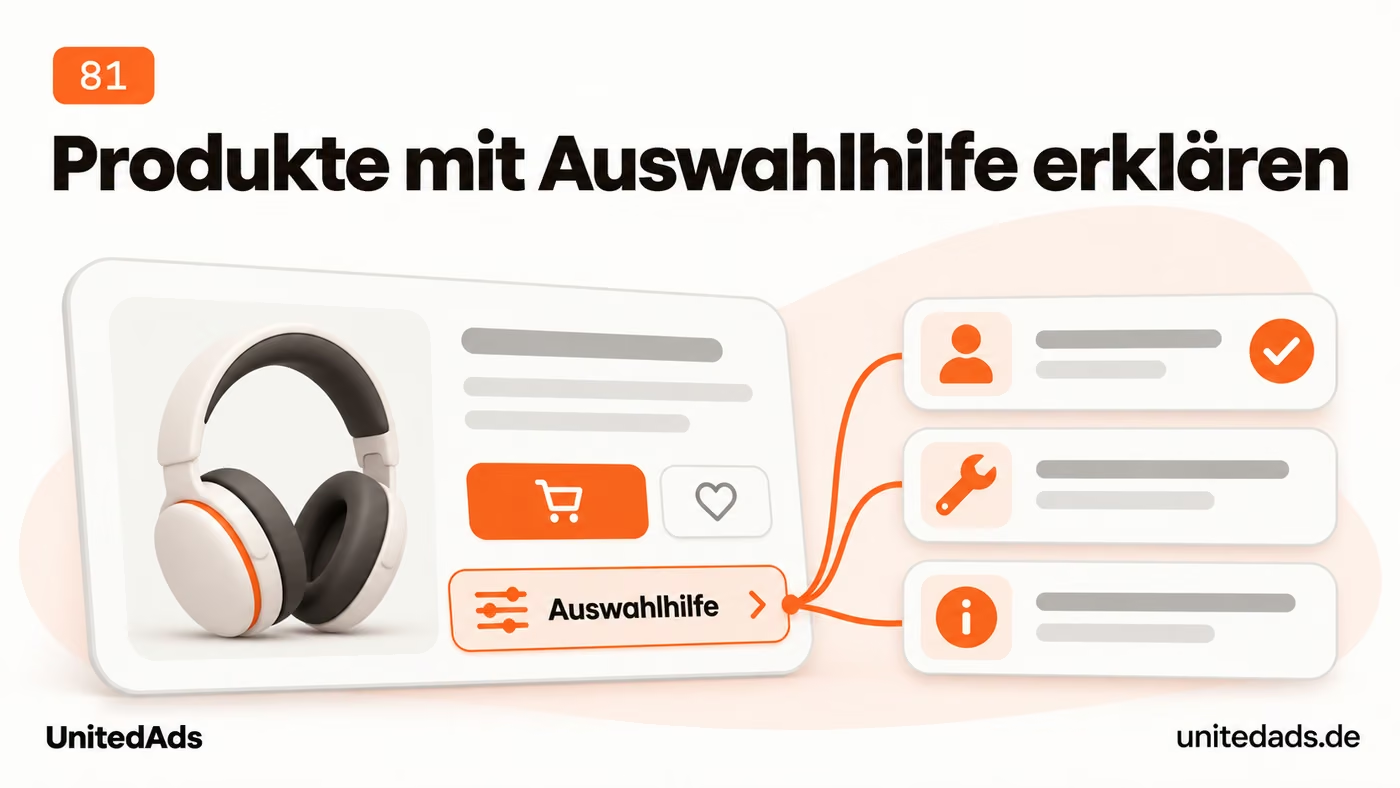
Use the manufacturer's technical specifications accurately, but add information from your own advice to customers. Explain who the product is for, how it is used and what its limits are. Differences from similar variants are especially helpful when choosing.
Start with your most important products or those that need the most explanation. Use questions from support, reviews and returns as a starting point. Make sure your additions fit the specific variant and do not promise unverified features.
82. Create selected landing pages for popular product combinations
Some customers already search for an exact combination of product type, material or area of use. A matching category page takes them straight to the products that meet these requirements.

For important product combinations, check the search demand and the selection you have available. If you can offer a meaningful range for them on an ongoing basis, plan a dedicated category or a suitable indexable filter page.
Give this selection a stable URL, a fitting title and a link from the parent category. Decide separately how purely technical filter and sort combinations are handled. Have these rules checked in your store system before you block large sections of URLs.
83. Align your product feed and structured data
Google should receive consistent information about a product from your feed and your web page. A clean comparison avoids contradictory price or stock information and makes it easier to troubleshoot product issues.

For a few important products, compare the details in the Merchant Center feed, in the structured data and on the visible product page. Check prices, currencies, availability and variants in particular. The feed and structured data can provide Google with product information. [11]
Fix errors at the shared data source wherever possible. After changes, check a few important products all the way from the store to the feed. A technically successful export is not enough if it transfers the wrong variant or an outdated price.
84. Test the entire checkout process
Visitors from search don't bring in sales if the checkout process fails at a technical or avoidable hurdle. A complete test shows whether customers can actually pay for and order their selection.

Place a test order yourself on a smartphone. Check product selection, cart, shipping costs, payment methods and error messages. Note every point where information is missing or unnecessary input is required.
First remove obstacles that prevent the purchase or cause surprise costs. Then look at simplifications such as guest checkout. Compare the conversion rate before and after the change, as far as your data volume allows a reliable assessment.
85. Use customer reviews to improve product pages
Reviews contain clues about which features matter to customers and what remained unclear before the purchase. With these experiences, you can add targeted information to product pages and make the choice easier.

Read reviews of your most important products regularly. Look for recurring questions about size, fit, use and quality. Such comments show which information is missing or unclear before purchase.
Add this information to the product page and make honest feedback possible. Do not show only positive experiences. Understandable limitations also help customers choose the right product.
86. Link from guides to relevant offers
A helpful guide can make prospects aware of a problem and its solution. A relevant link then shows which of your offerings supports this task.

Check well-visited guides for a meaningful connection to your products or services. If you offer the solution described yourself, readers should learn about it at the right point. General navigation is not always enough for this.
Add a short note with a link to the specific product, category or service page. Explain what readers will find there. A relevant reference helps; repeated ad blocks between every section make reading harder.
87. Compare offers using clear criteria
A transparent comparison helps customers assess offers based on their own requirements. Clear criteria make differences visible and also show when a different solution may be a better fit.
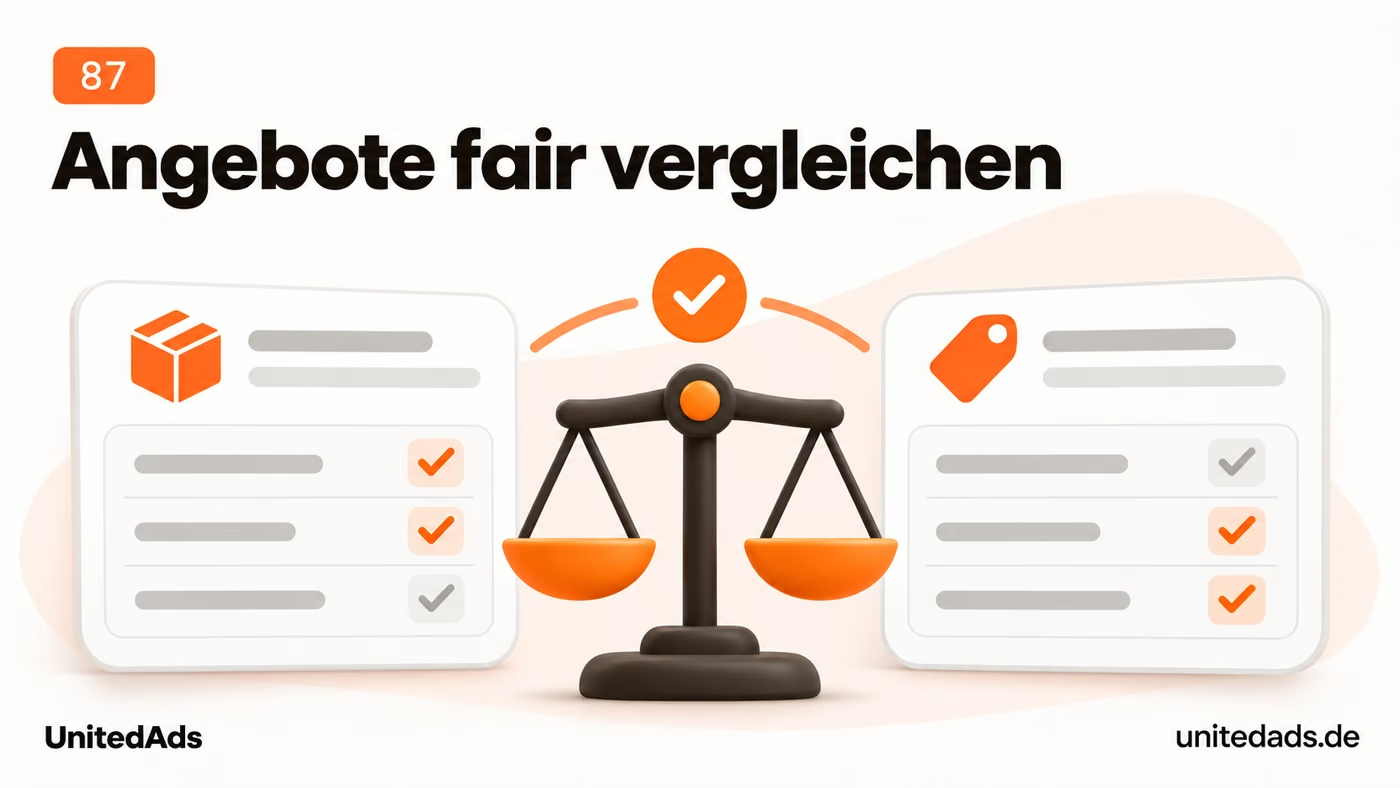
Create comparisons for decisions where customers are regularly unsure. Define suitable criteria in advance, such as price, scope, area of use and requirements. Make clear who each solution is suitable for.
Back up verifiable claims and keep the information current. Make your own role as a provider clear. A helpful comparison also shows the limits of your own offer and avoids sweeping claims of superiority over other solutions.
88. Remove obstacles in your inquiry form
Anyone who wants to send an inquiry should be able to do so without unnecessary fields or technical problems. A simple, working form helps turn interest in your offering into actual contact.

Fill out your contact or inquiry form yourself on a smartphone. Check which required fields are really needed for initial processing. Look out for unclear error messages, unsuitable input fields and buttons that don't work.
Remove unnecessary required fields and explain unusual entries right at the field. Also check whether the inquiry actually arrives and a clear confirmation appears. This secures the step for which you won visitors with SEO in the first place.
89. Monitor all three Core Web Vitals
Load time, responsiveness and a stable layout shape the usability of your website. The Core Web Vitals help you identify recurring problems in these areas and address their technical causes in a targeted way.
Check loading speed, responsiveness and visual stability. The thresholds for good are LCP up to 2.5 seconds, INP up to 200 milliseconds and CLS up to 0.1. Focus especially on the available field data from real visits. [2]
Assign problems to the affected page types and have the common causes fixed. After changes, check both functionality and how the metrics develop. Improving Core Web Vitals alone does not guarantee better rankings.
90. Prioritize search terms clearly related to your offer
SEO should reach people whose needs match your business. Search terms with a clear connection to your products or services give you a better basis for this than reach without a matching intent to buy or inquire.
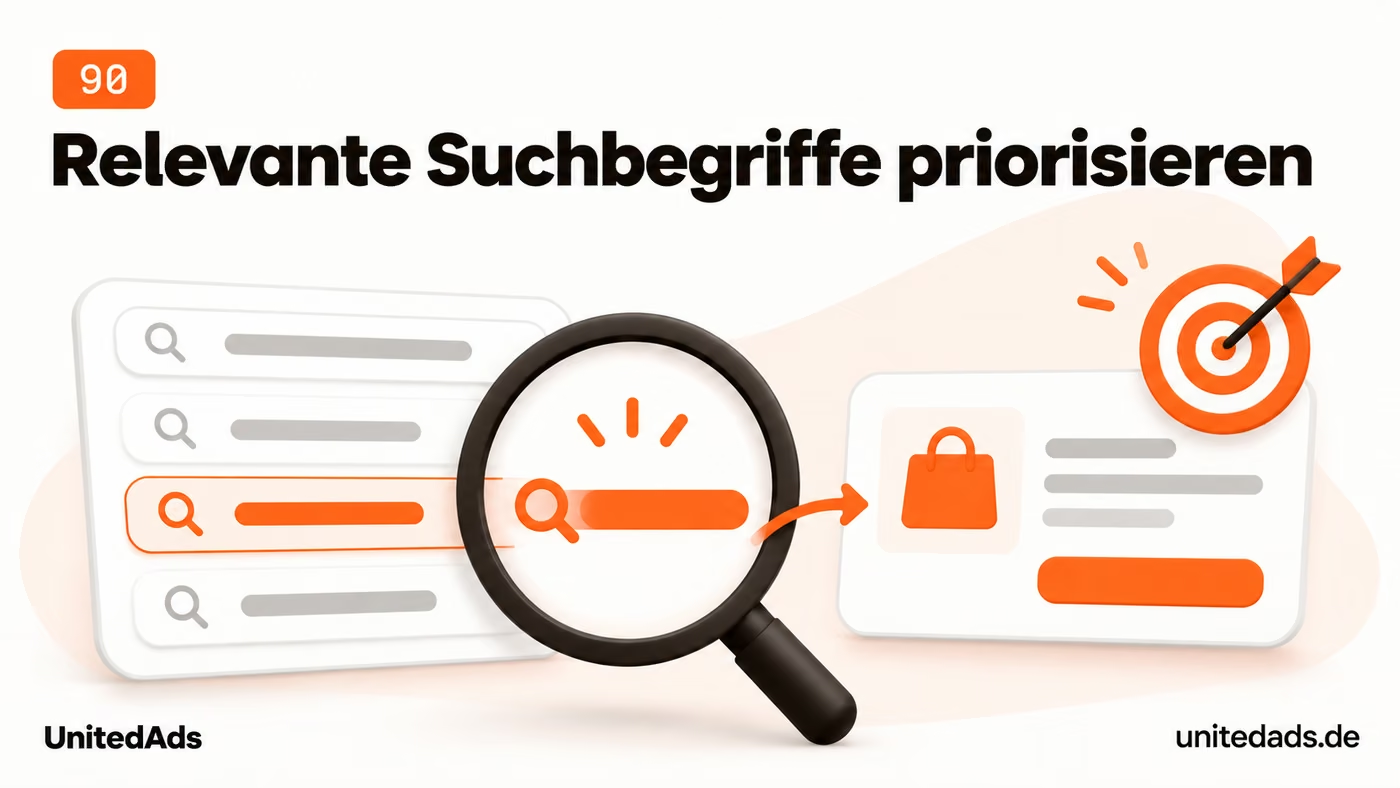
Start your keyword planning with the products and services you actually sell. Add variants, areas of use and questions customers have before deciding. For each term, check whether the search results match your offer.
Map the most important terms to existing or planned pages. A small search volume can be worthwhile if the query closely matches a valuable service. High reach alone is not a good reason to cover topics unrelated to your business.
91. Create location pages that add value of their own
A location page should answer specific questions about your local offering. It is helpful when visitors learn which services they can get there and how to reach or contact that location.

Publish separate location pages if you can meaningfully describe concrete services or an actual branch there. List contacts, how to reach you, services offered and relevant local evidence. Do not give the impression of a branch that does not exist.
Check existing city pages for generic text. Add real differences or merge pages that add no value of their own. Hundreds of nearly identical city pages can fall under Google's policies against doorway pages. [6]
92. Earn attention in your region
Regional publications and networks can draw the attention of people in your service area to your company. A genuine local connection creates a credible reason for this and can lead to recommendations and relevant links.
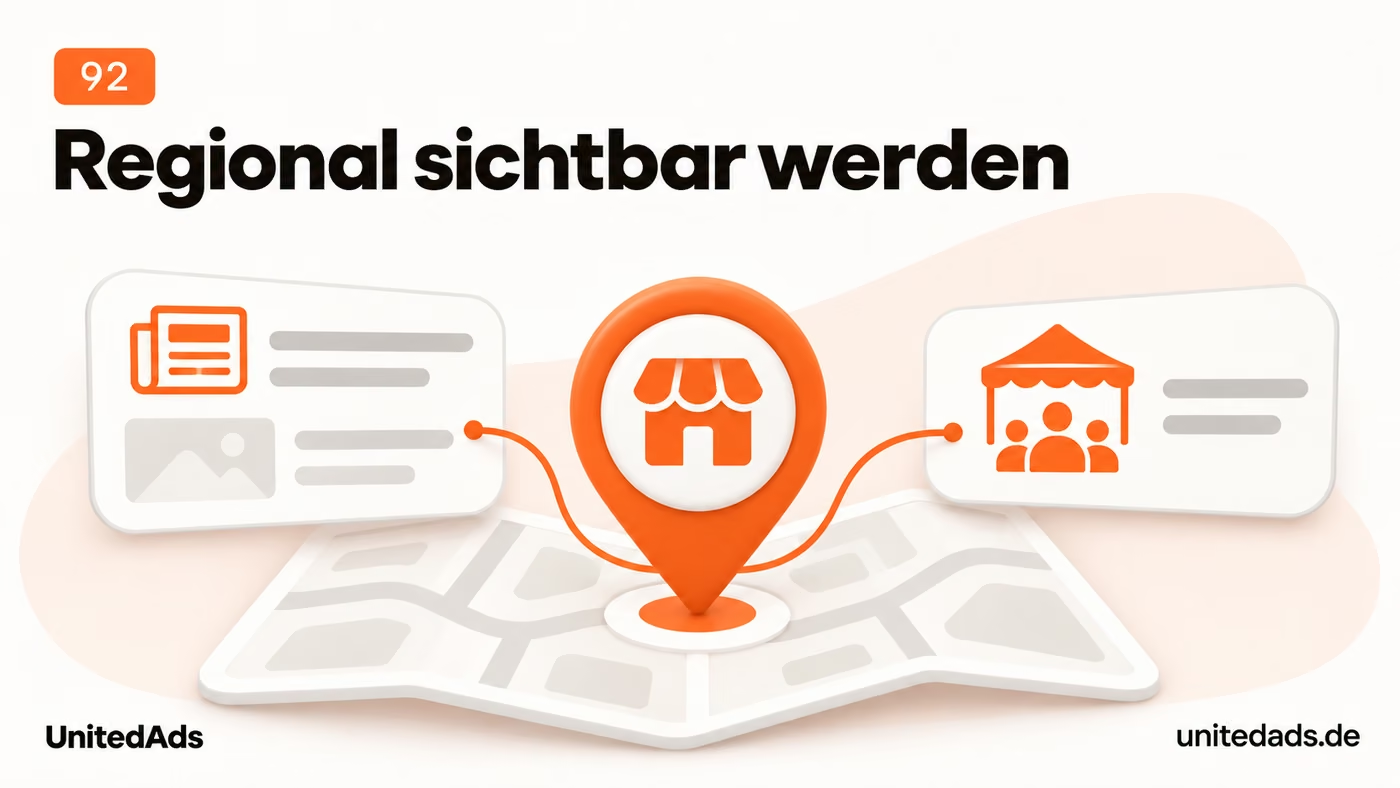
Look at relevant regional media, business networks and events. Consider which of your activities give them a genuine reason to mention you. That could be a partnership, an industry event or a concrete contribution to the region.
Provide helpful information and a suitable contact person. Assess the relevance for your audience and the actual collaboration. Avoid directory listings or partnerships whose only purpose is an artificial SEO link.
93. Check that your texts sound conversational
Naturally written copy makes your offering easier to understand. If sentences would also work in a conversation with a customer, readers can usually follow the explanation more easily and grasp the key points faster.
Read important sections aloud and ask yourself whether you would give a customer the same explanation. Replace awkward phrasing and break up long chains of sentences. Natural language can still be technically precise.
Use concrete words and complete statements. For example, instead of “carrying out an optimization of the ordering process”, write “simplify ordering”. Then check whether the shorter wording still contains all important conditions and information.
94. Fix broken internal links
A broken internal link leads visitors to a dead end when they look for more information. Fixing it restores the intended path and keeps important content reachable within the website.
Have your website checked regularly for links to pages that no longer exist. Start with navigation, important offers and frequently visited articles. Correct the link or remove it if there is no meaningful target anymore.
Distinguish broken links from pages that were removed for good reason. Not every 404 URL is an SEO problem. Redirect old URLs only to relevant replacement pages, and avoid blanket redirects of all error URLs to the home page.
95. Make additional listing pages reachable through links
Products or articles on later listing pages should also be discoverable. Accessible paginated pages give visitors and search engines a path to content that is no longer shown on the first page.
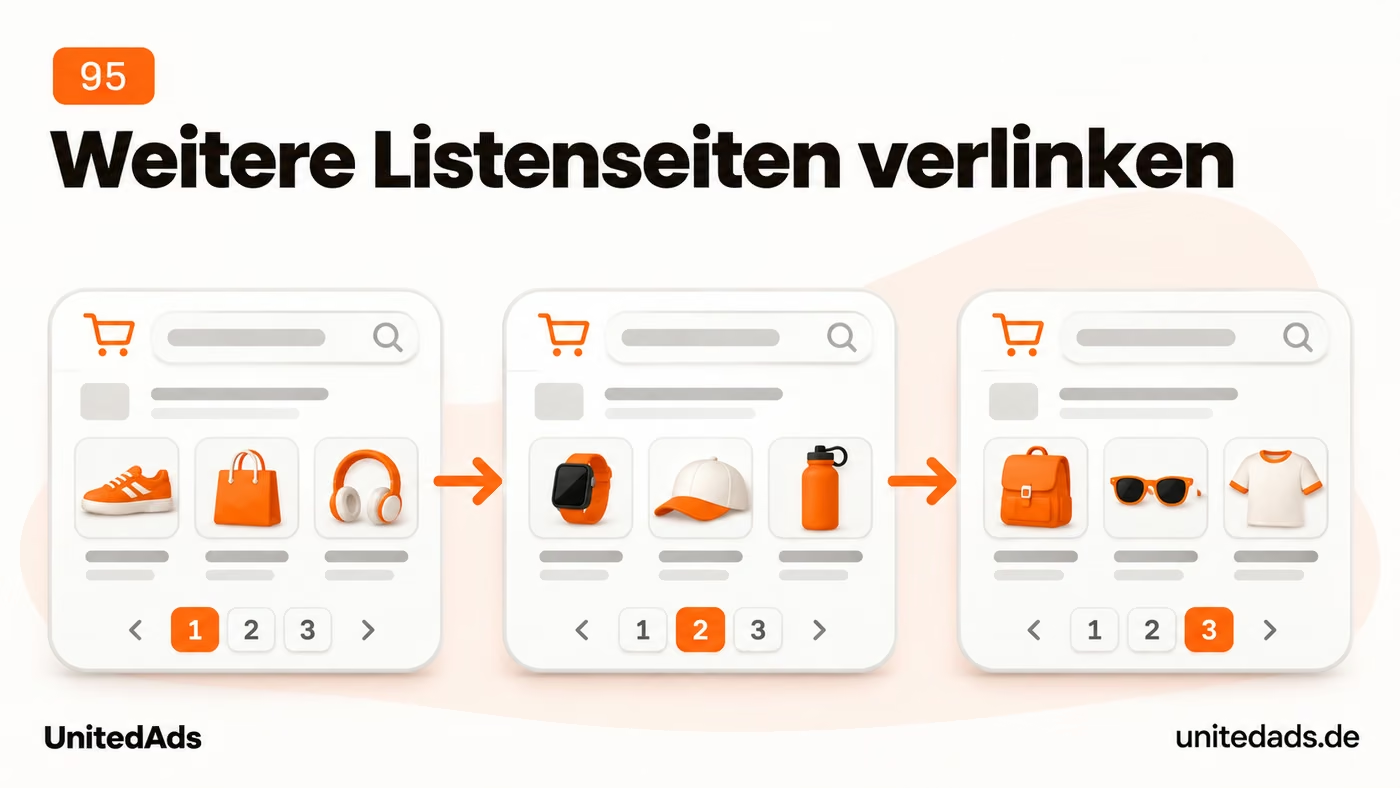
Give paginated categories and lists their own URLs and link the following pages with normal HTML links. Google no longer uses rel=“next” and rel=“prev” to connect pages. With “Load more”, the additional content should also remain reachable. [8]
For standalone listing pages, use suitable canonicals, usually self-referencing. Do not point every following page to the first one by default. Also check whether products or articles beyond the first list can be found.
96. Plan seasonal topics in good time
Seasonal content should be ready when your customers' interest increases. Planning in good time leaves room for revisions, current offers and technical checks before the most important demand phase begins.
Compare your search data with seasonal trends in Google Trends. Note when interest starts and when it peaks. Google Trends values show relative interest, not absolute monthly search volumes.
Schedule updates before the expected rise. Update offers, availability and internal links in good time. Keep proven seasonal URLs where possible instead of creating a new page for the same topic every year.
97. Compare your mobile site with the desktop version
Mobile visitors need the same key information as desktop users. The comparison should prevent important details, links or contact options from getting lost in a more compact layout.

Open your most important offers on a smartphone and on a desktop. Check whether the same key information is available on mobile: scope of services, product details, delivery terms and contact options. A compact layout must not remove important answers entirely.
Also check navigation and internal links. If an important section can only be reached on desktop, add a clear way to reach it on mobile. Test how it actually works, especially menus, filters and expandable content.
98. Separate brand searches from general queries
Brand searches and generic search queries show different kinds of demand. Looking at them separately makes it clearer whether people already know your company or can discover you for the first time through a specific service.
In the Search Console Performance report, first filter by your company or brand name. Compare these queries with the remaining terms. This helps you see whether you are mostly found by people who already know your company.
For general queries, check which products and services are visible and which are still missing. Use these gaps for further planning. A rise in brand searches can be welcome, but on its own it does not prove better visibility for your offers.
99. Assign owners and fixed working times
SEO tasks should become changes that can actually be carried out. Clear responsibilities and a sensible order help ensure that important problems actually get addressed instead of remaining on a general wish list.

Keep a prioritized task list with clear responsibilities. For each task, describe the problem, the planned change and the desired result. “Improve SEO” is too vague; “add missing delivery times to the most important product pages” is actionable.
Schedule fixed dates for implementation and review. Complete a few important tasks fully before starting others. Record relevant changes so that later developments in visibility and inquiries can be interpreted better.
100. Check the value of new SEO recommendations
New SEO recommendations take time and can trigger technical or editorial work. Checking their specific benefit helps you choose worthwhile improvements and avoid effort on unfounded measures.

For any new recommendation, first ask which concrete problem it solves on your website. Ask to be shown which pages are affected and why the proposed change should help. Check technical claims against the documentation of the search service in question.
For larger changes, a test on a few suitable pages makes sense. Decide in advance how success will be measured. Obvious errors such as broken links or missing product information can be fixed right away; they do not need an elaborate experiment.
How to choose your first actions
Start with your ten most important product or service pages. First check whether they are reachable and indexable, answer the key customer questions and offer a working path to an inquiry or order. Fix obstacles in these areas before publishing more.
Then choose three tasks with high expected impact and manageable effort. Name owners and an implementation date. Afterward, check what has changed in visibility, qualified inquiries and sales, and decide the next steps based on these results.
Sources
- Google Search Central: Optimizing your website for generative AI features on Google Search
- Google Search Central: Understanding Core Web Vitals and Google search results
- Google Search Central: How to specify a canonical URL
- Google Search Central: Tell Google about localized versions of your page
- Google Search Central: Introduction to robots.txt
- Google Search Central: Spam policies for Google web search
- Google Search Central: Discover and your website
- Google Search Central: Pagination, incremental page loading, and their impact on Google Search
- Google Search Central: Build and submit a sitemap
- OpenAI: Overview of OpenAI Crawlers
- Google Search Central: Introduction to Product structured data


